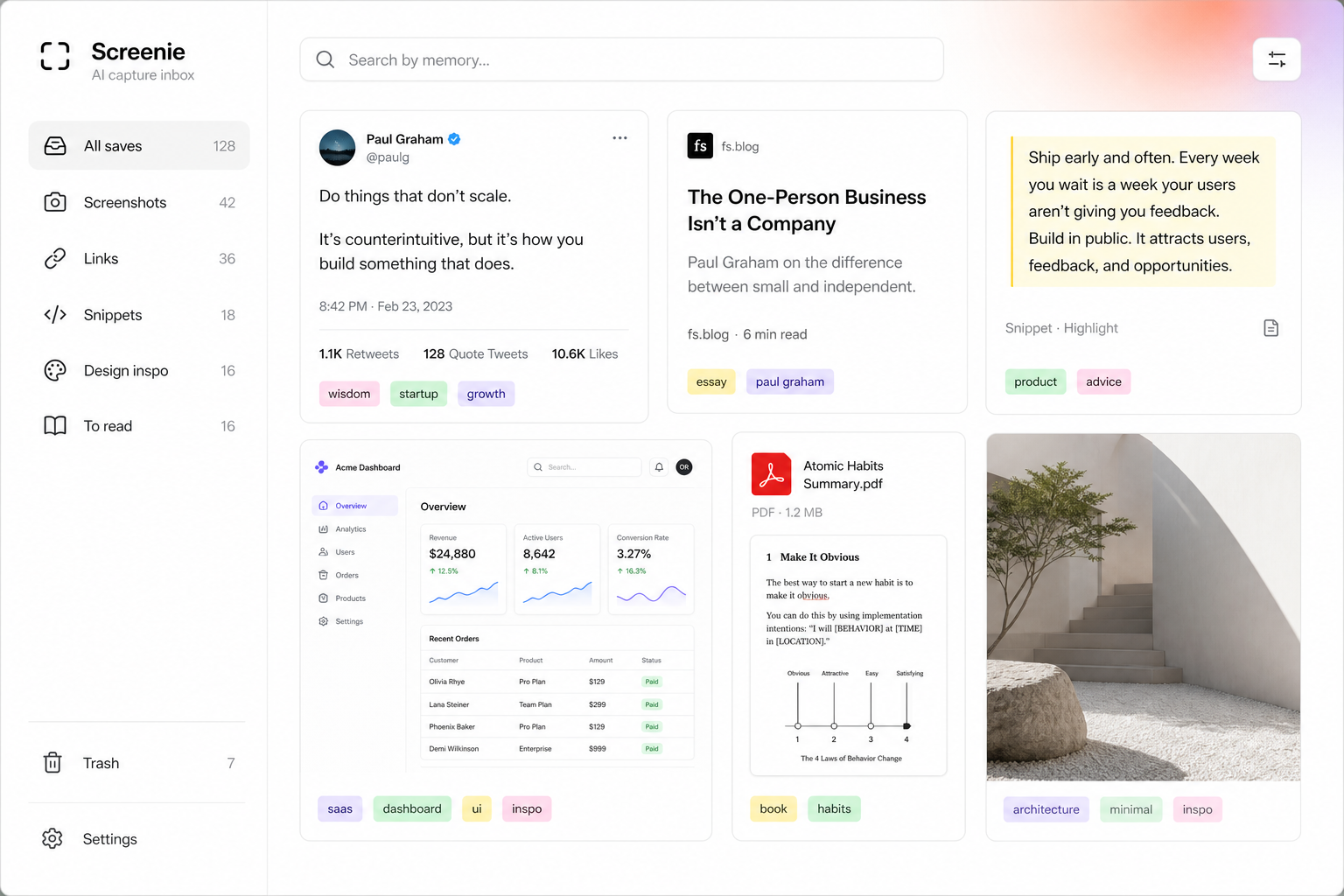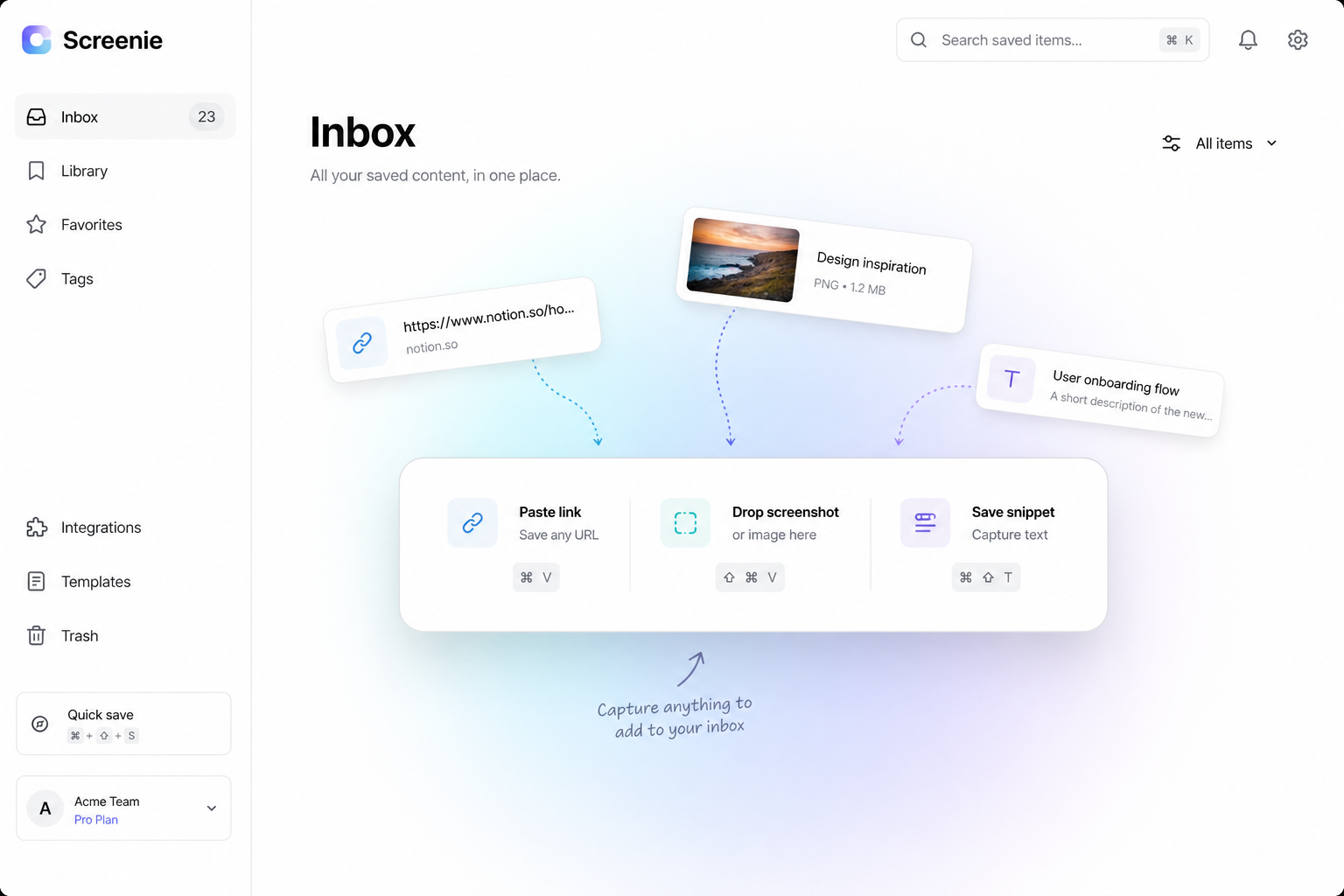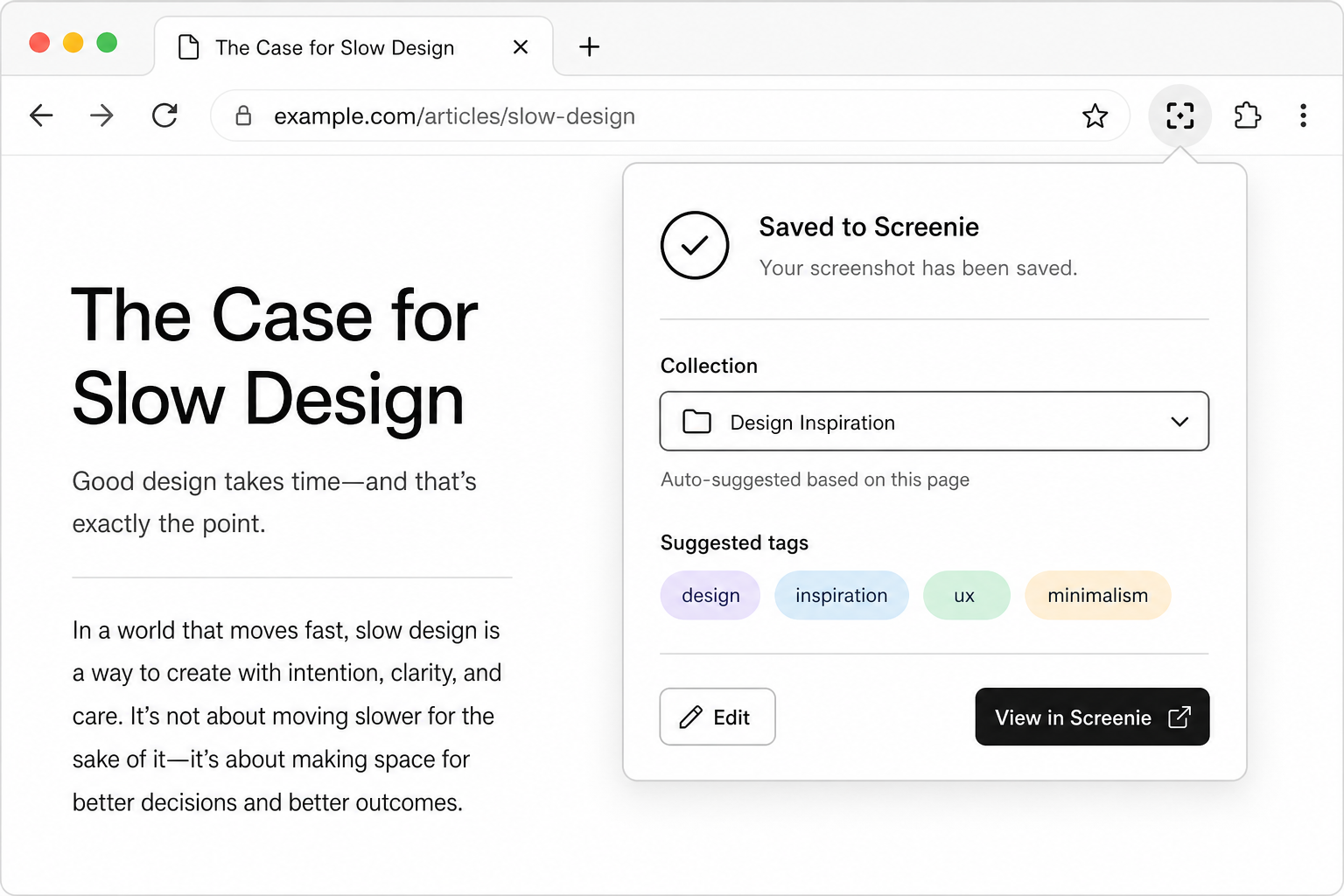
You do not need to understand every feature before your first save. You need to trust one loop: capture → automatic reading → memory-shaped search.
If that works on day one, everything else — collections, extensions, imports — is optional depth.
Save first. Organize never. Search when you need it.
1. Create your inbox
Join the waitlist for beta access. When your invite arrives:
- 1Sign in at screenie.app
- 2Open the inbox view — this is home base
- 3Install the browser extension from your welcome email if it is available for your build
2. Make five messy saves
Do not curate. Save things you would normally lose:
- A link you would have bookmarked
- A screenshot from your desktop or phone
- A paragraph you copied from an article
- A page with text you want to query later
- Anything you would describe as "I'll need this again"
No folders. No tags typed by hand.
3. Search by memory
Wait a few hours — or pretend you forgot where they went. Search using what you remember:
- Words visible on a screenshot
- A phrase from a copied paragraph
- Part of a page title
If retrieval works, the system is worth keeping. Read How to build a second brain without building a system for the philosophy behind why this beats folders.
4. Set up one-tap capture
Reduce friction so saves happen in the moment:
- Pin the browser extension — see One-tap save workflow
- Enable the mobile share sheet if you save from your phone
- Bookmark
screenie.appfor quick paste-and-save
5. What to explore next
- Screenshots that search — Screenshot OCR tips
- Old bookmarks — Import bookmarks
- Faster navigation — Keyboard shortcuts
- Privacy questions — Security & privacy
The point
Day one success is one findable save — not a taxonomy.
Join the waitlist if you have not already. Your inbox is waiting for the first messy capture.