You find the perfect reference. You think "I'll bookmark this later." You switch tabs. You forget. Three weeks later you need it and spend twenty minutes trying to reconstruct the Google search that found it the first time.
Friction is not a character flaw. It is physics. Every extra step between "this matters" and "this is saved" loses a percentage of saves.
Capture wins when it is faster than telling yourself you will do it later.
Desktop: browser extension
When your beta build includes the extension:
- 1Install from your welcome email or the Chrome Web Store listing.
- 2Pin the extension icon to your toolbar.
- 3Click once on any page to save — title, URL, and visible text captured automatically.
Optional: assign a keyboard shortcut in your browser's extension settings. See Keyboard shortcuts.
Mobile: share sheet
On iOS and Android:
- 1Open the Screenie app and enable the share extension.
- 2From Safari, Twitter, or any app — tap Share → Screenie.
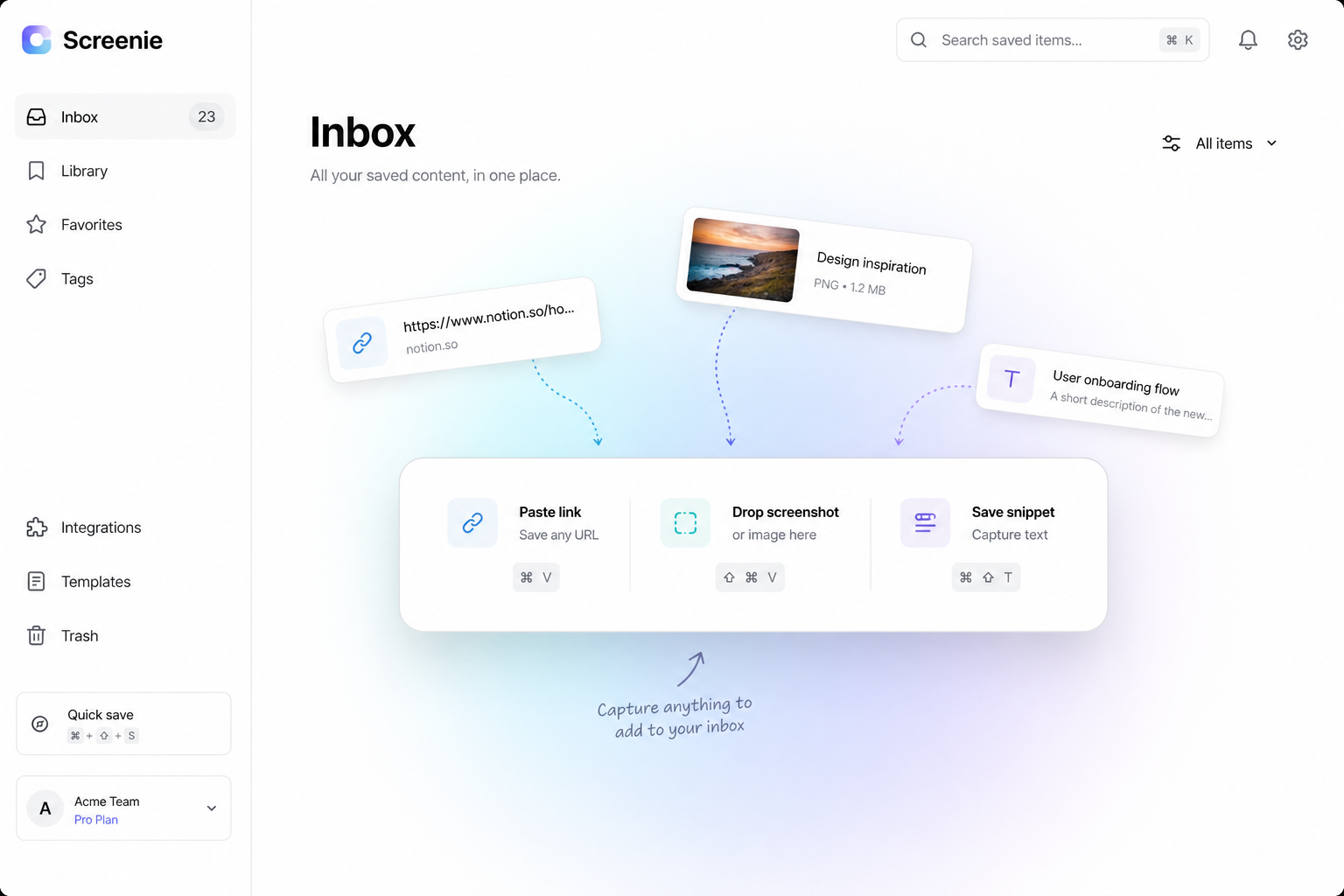
- 3The link, image, or selected text lands in your inbox.
Screenshots from your camera roll work the same way — share, do not save-and-forget.
What one-tap saves include
Every capture brings:
- Source URL when available
- Visible text for search
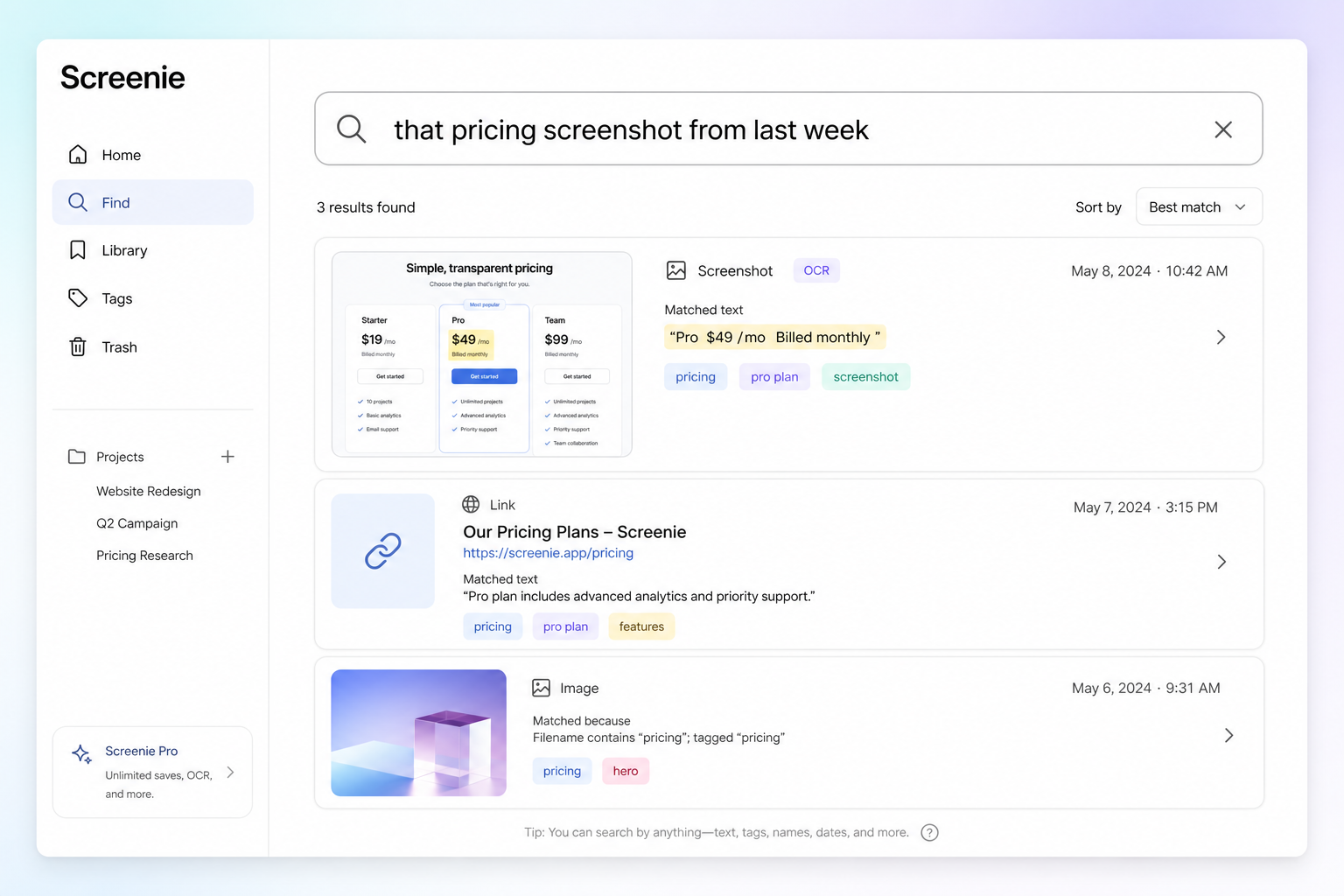
- OCR on images
- Auto-generated tags
You do not name, folder, or tag on save. That is the point.
Prove it in one day
Save five things you would normally lose:
- 1A pricing page
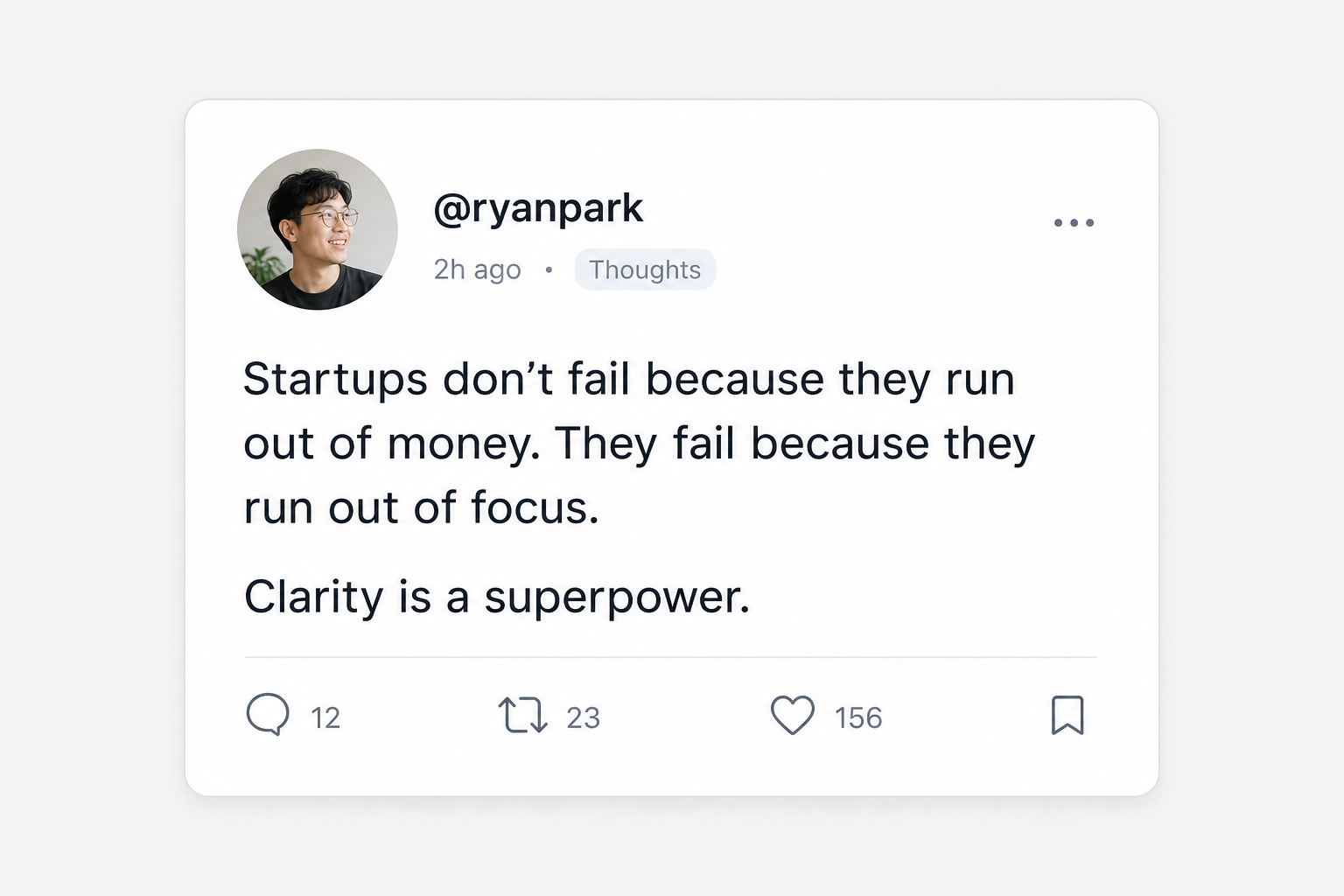
- 2A tweet screenshot
- 3A copied paragraph
- 4A tutorial link
- 5A photo of something in the real world
Next day, search by memory. If you find them, the workflow is working.
Read Getting started for the full day-one setup.
The point
Organization can wait. Capture cannot.
Join the waitlist and make your next save take one tap — not "later."