You need the screenshot from last Wednesday. You open Photos, scroll past forty unrelated images, try searching "pricing," get nothing useful, and give up.
The file was never named for what it contained. Your brain was.
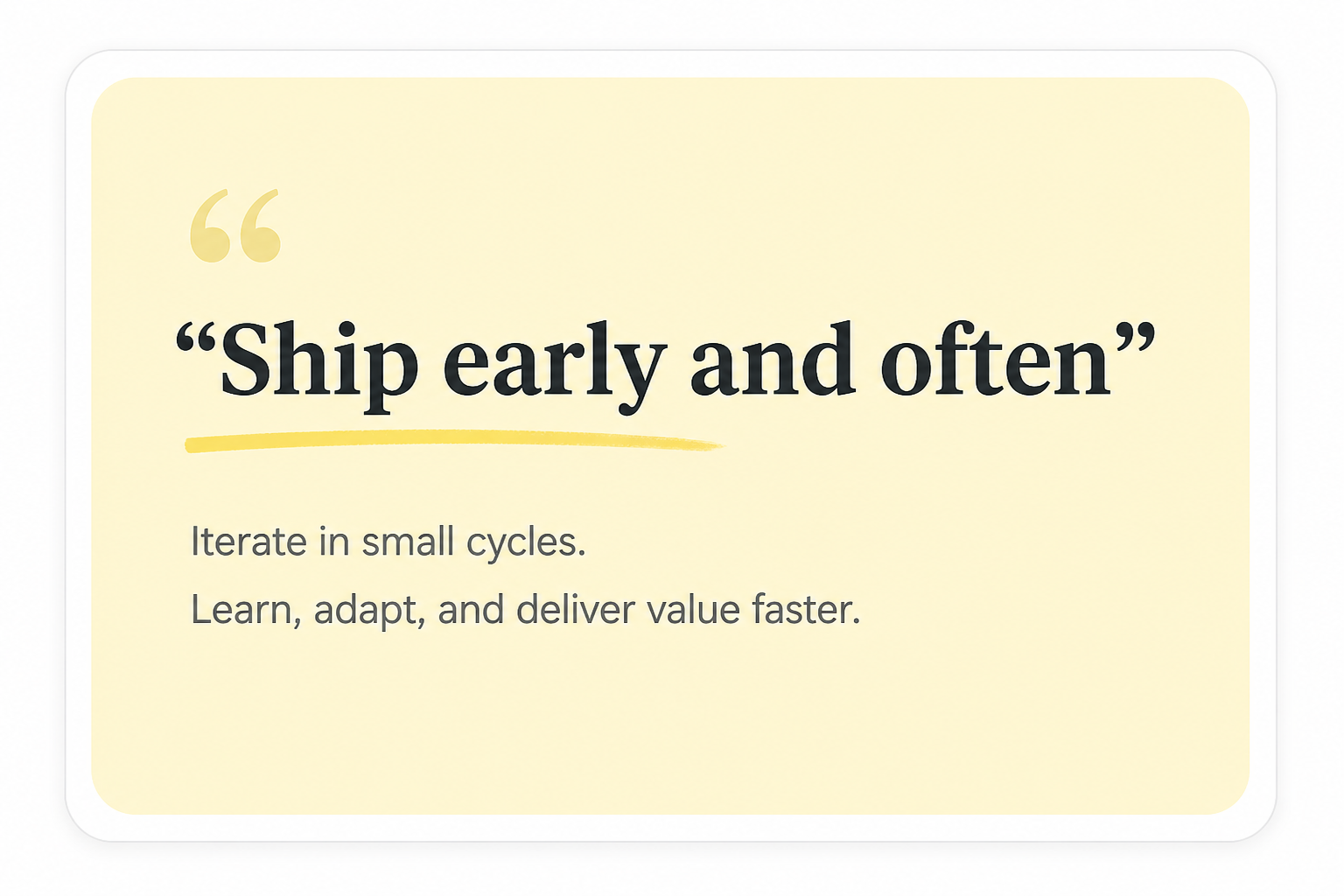
Screenshots fail because filenames do not match memory. You remember the checkout modal, the tweet about shipping early, the line in the dashboard, or the pricing page with the annual toggle. You do not remember IMG_2048.
Memory-shaped retrieval beats filename archaeology every time.
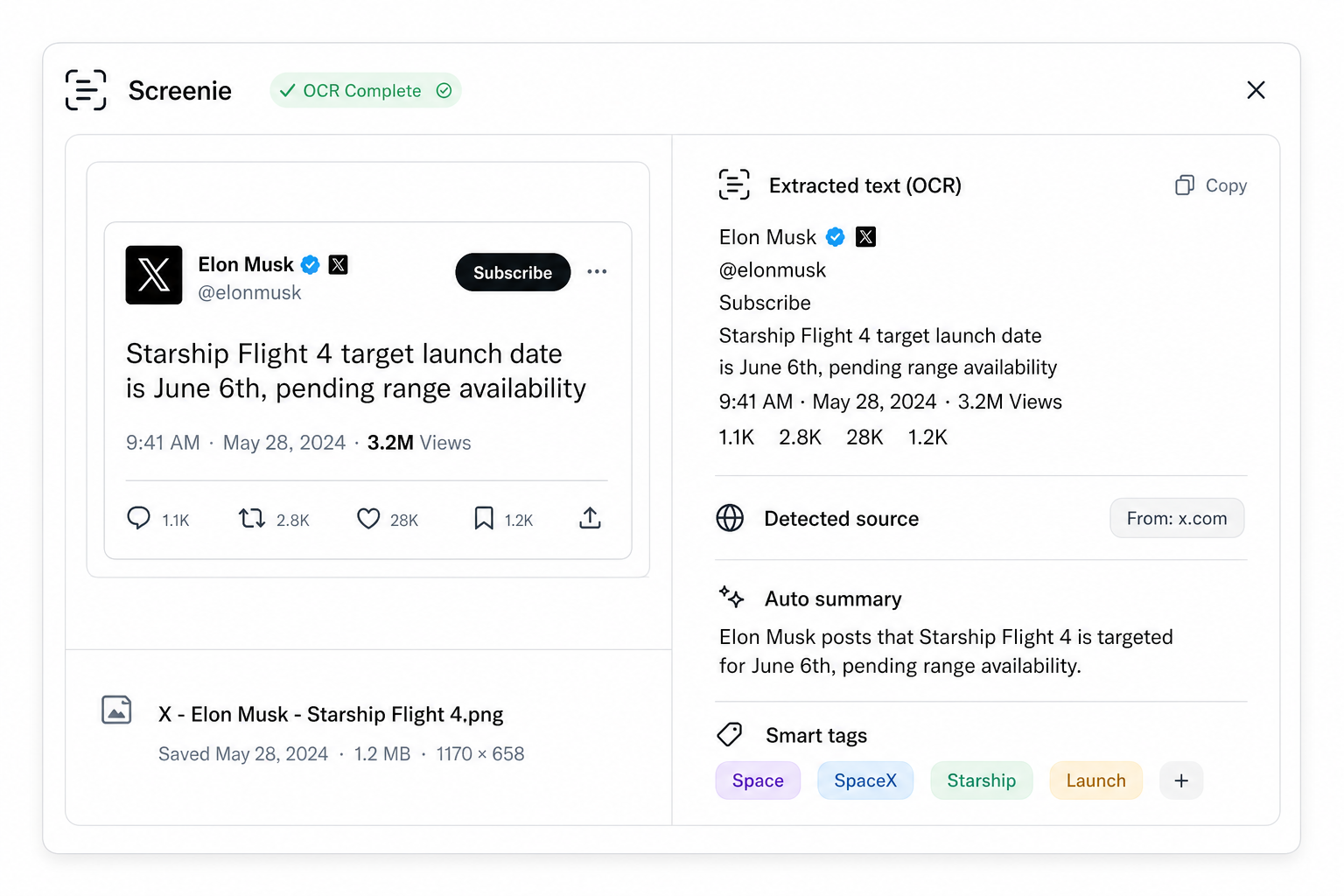
Screenie runs OCR on screenshots so the visible words inside the image become searchable like any other saved text.
What OCR changes
Without OCR, a screenshot is a opaque blob — pretty, but silent. With OCR:
- Button labels become keywords
- Headlines become titles
- Error messages become findable
- UI copy becomes the index you never wrote
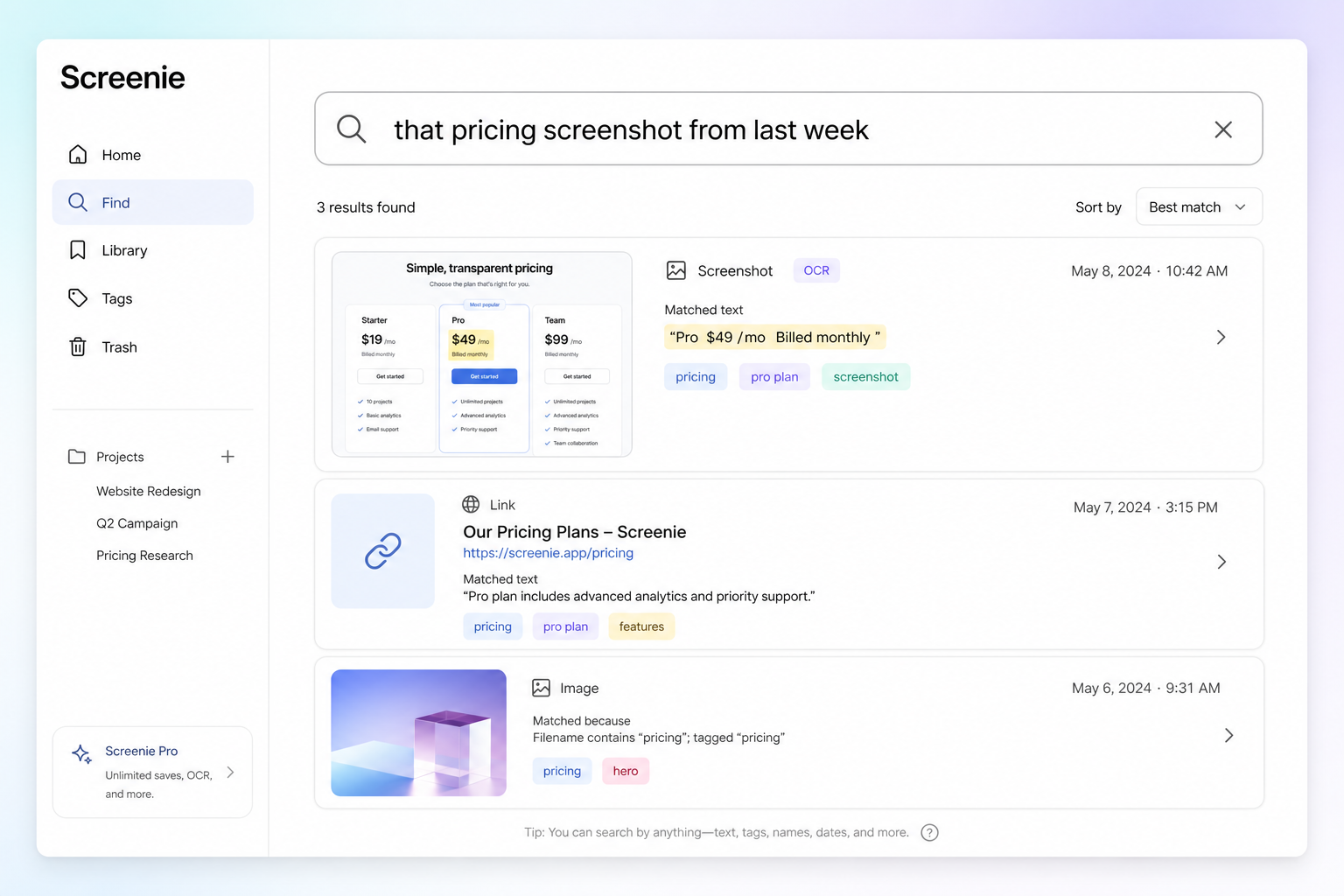
Search for annual billing and the pricing screenshot surfaces — even if you saved it months ago and never renamed it.
How to save screenshots that search well
- 1Capture the full context. Crop tight if you want, but include enough UI text for OCR to latch onto.
- 2Save immediately. The longer a screenshot sits in your camera roll, the harder it is to associate with the moment you cared.
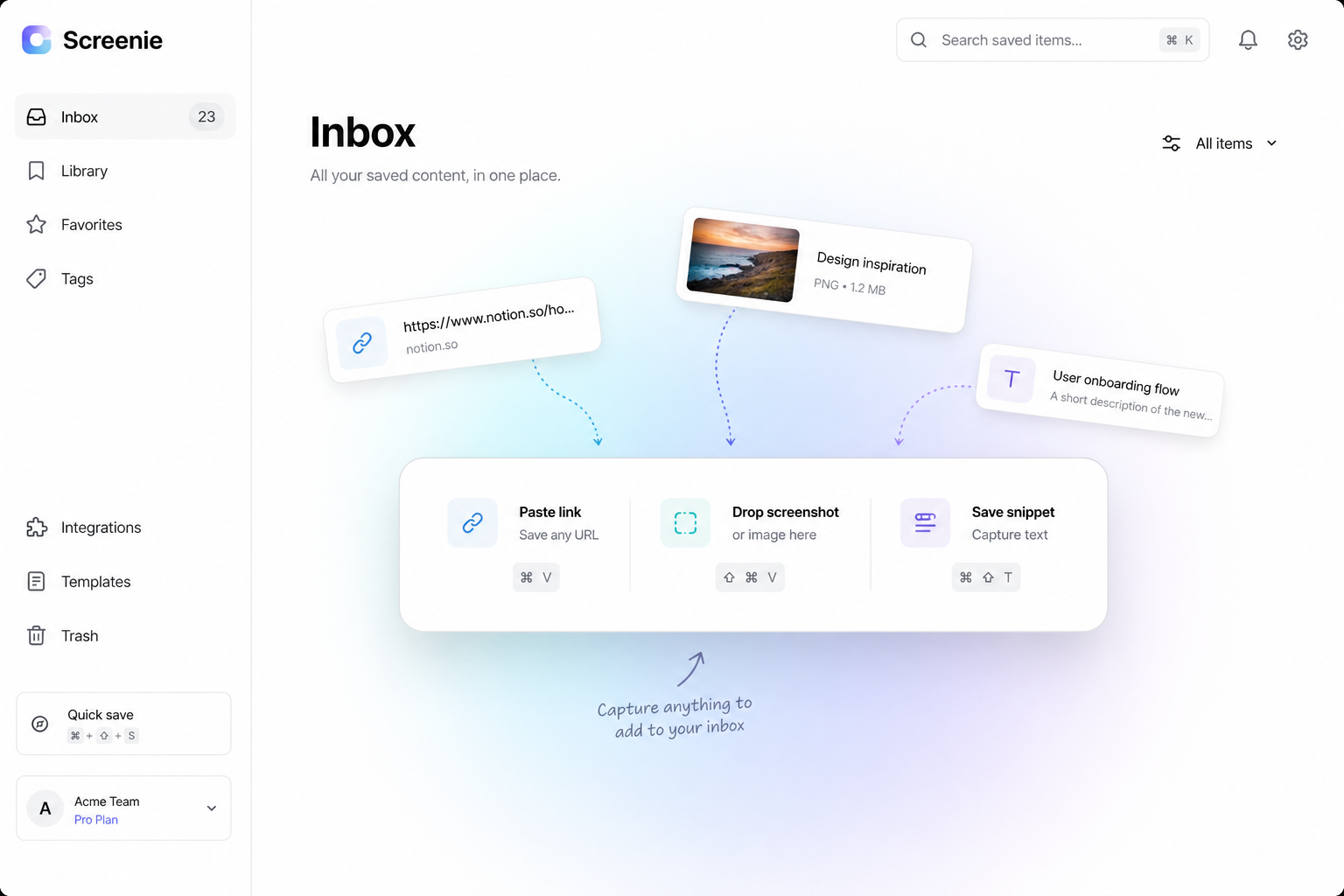
- 3Use one inbox. Screenshots mixed with links and snippets means one search covers everything.
For dense UI captures, see Screenshot OCR tips — lighting, contrast, and zoom all matter.
Search like you remember
Type queries the way you would describe the image to a friend:
green checkout buttontweet about shipping earlydashboard revenue chart Q3
Screenie matches visible text and AI-generated tags — not filenames.
Pair with one-tap capture
OCR only helps if screenshots actually land in the inbox. Set up a one-tap save workflow so capture takes less than a second.
The combination — instant save plus searchable text — is what makes screenshots stop being dead weight in your camera roll.
The point
You already take screenshots because something mattered in the moment. OCR is how those moments stay findable.
Join the waitlist and search your next screenshot by what was on it — not what you named it.