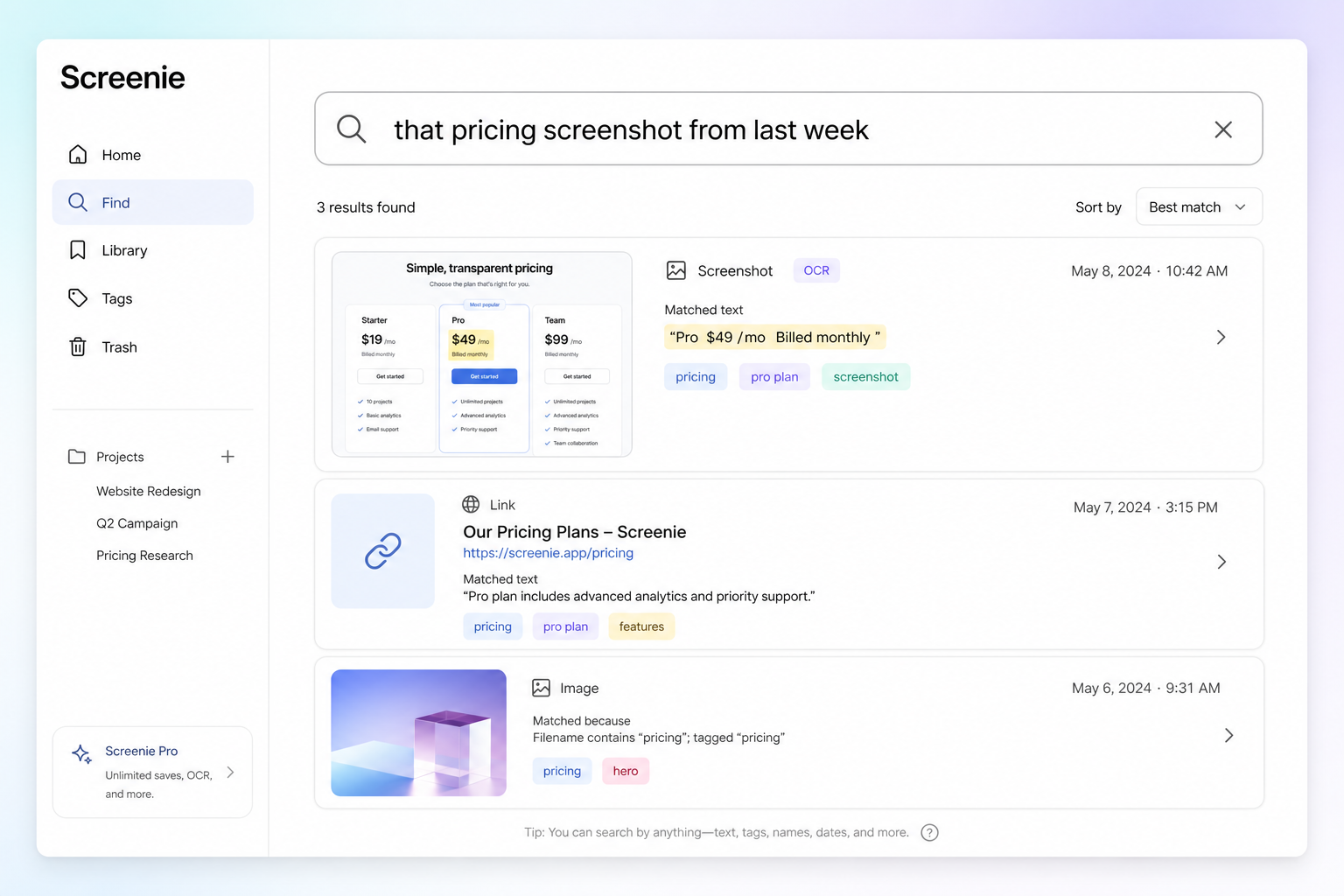
You screenshot a dense dashboard, import it, search for a metric you swear was on screen, and get nothing. The text was there — but too small, too low-contrast, or cropped out.
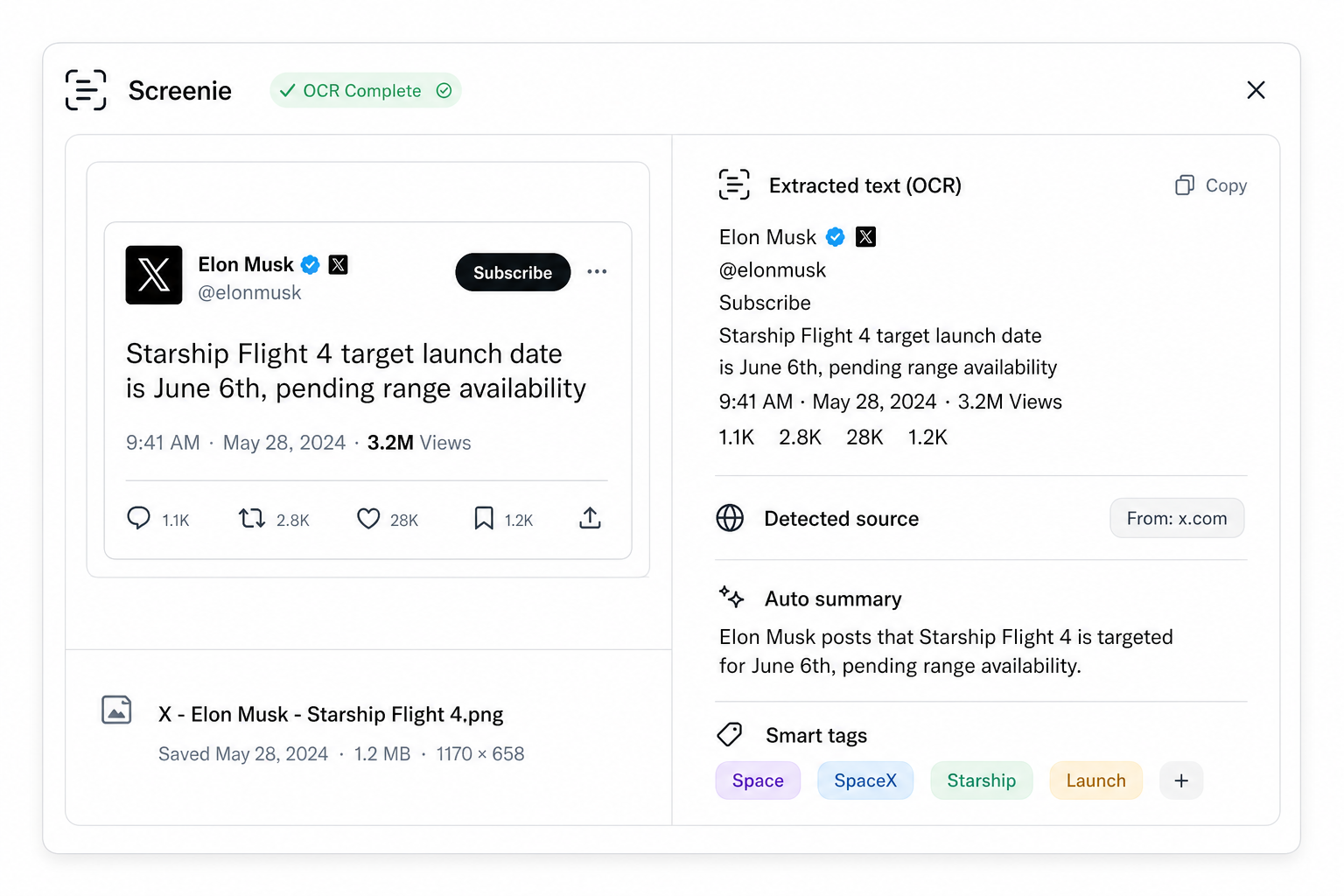
OCR reads what is visible. These habits make visible text count.
Search by memory only works when the words made it into the image.
Frame for text, not aesthetics
- Include headings and labels — buttons, nav items, and section titles become keywords
- Avoid extreme crops — tight crops on icons alone leave OCR nothing to read
- Capture at readable zoom — if you squint at the screenshot, OCR will too
Read the full workflow in Search screenshots by text.
Improve contrast
- Dark mode UIs: ensure text contrasts with background in the capture
- Overlays and modals: wait for animations to finish before shooting
- Compression: save from the source app when possible — re-photographing a screen adds noise
Save immediately
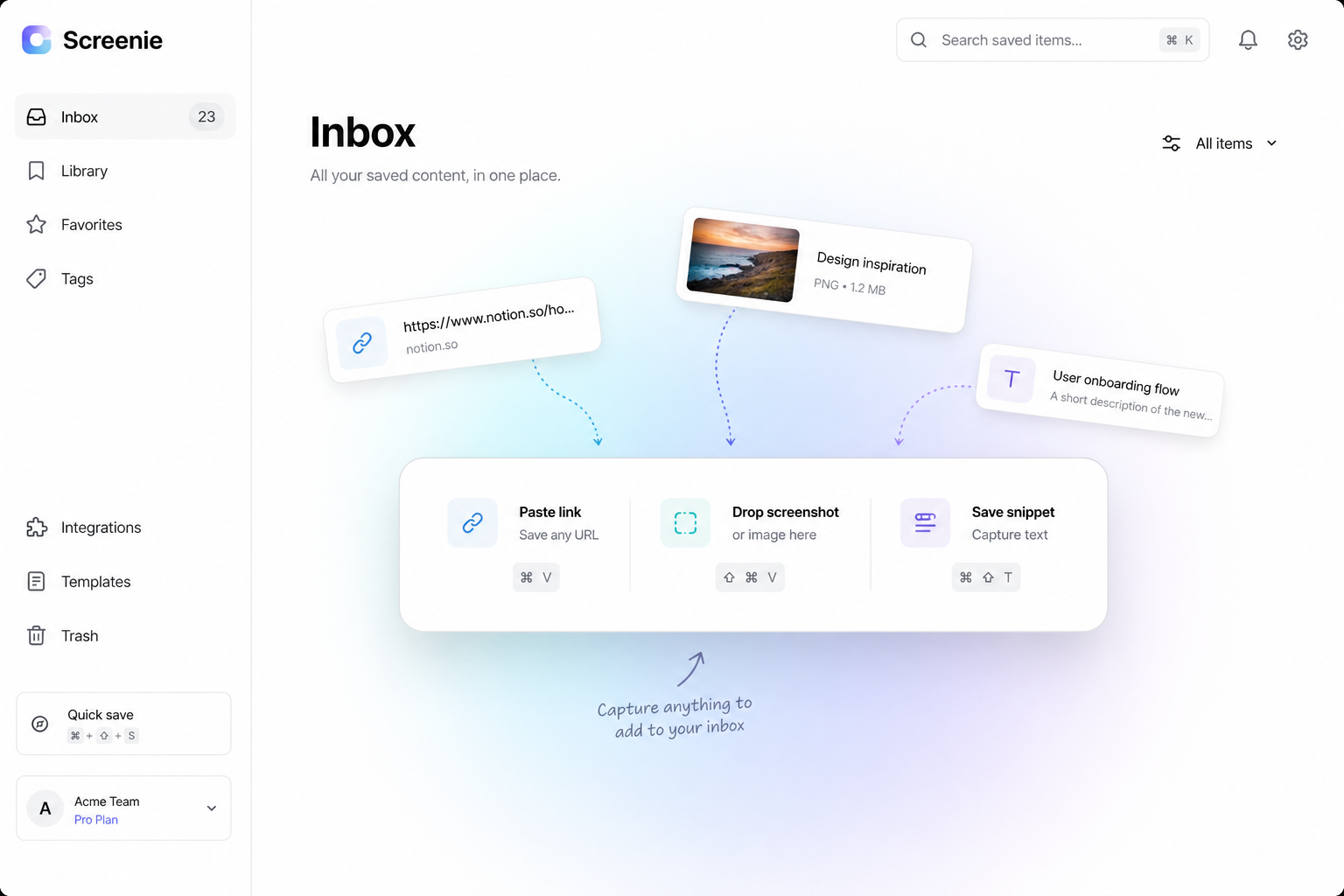
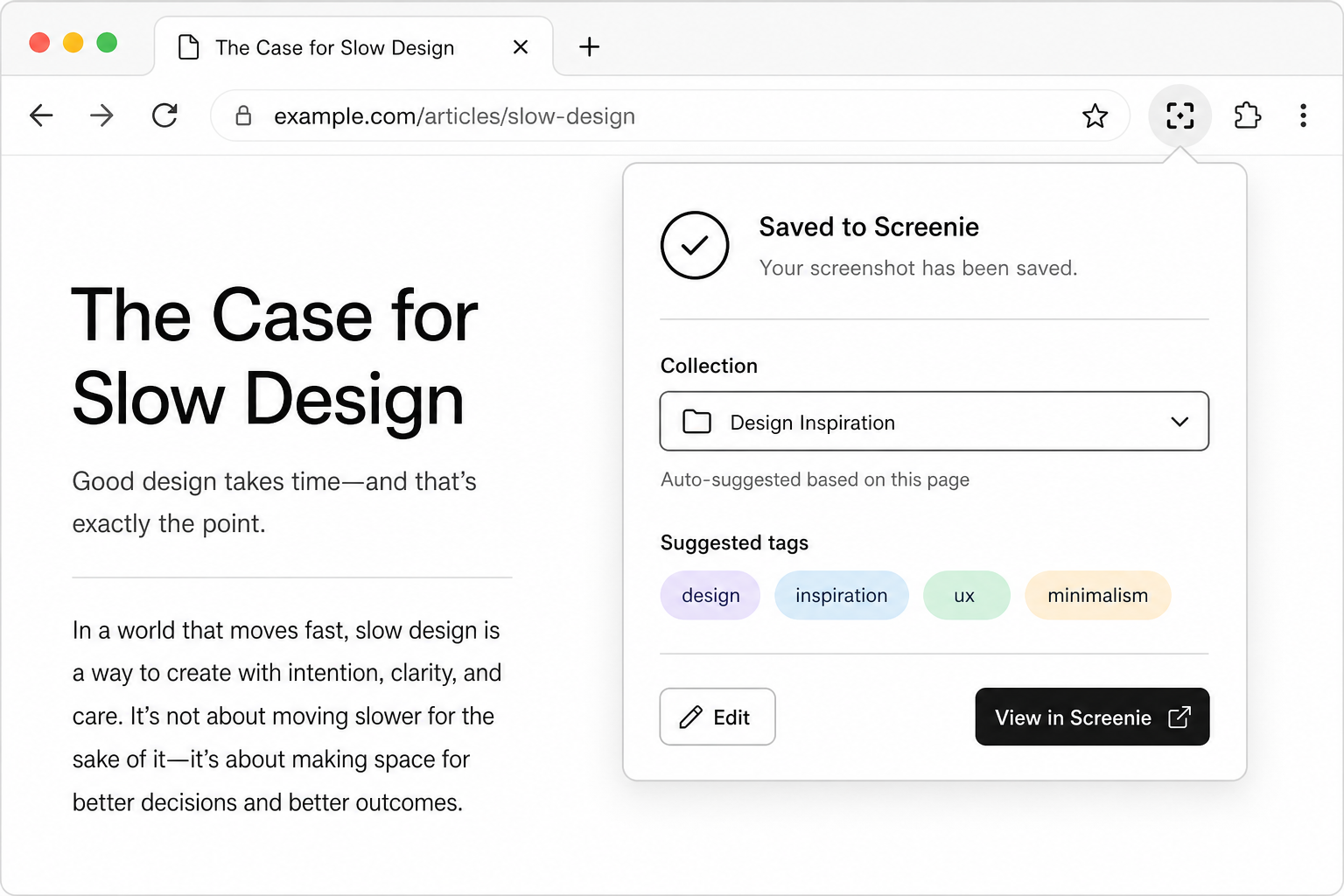
Screenshots that sit in your camera roll for weeks lose context. One-tap save while you still remember why you captured it.
Use ⌘ Shift I with the extension for visible-area capture — see Keyboard shortcuts.
Test your captures
After saving five screenshots:
- 1Search for a unique phrase you remember from each
- 2If one fails, re-capture with more text in frame
- 3Note which apps produce clean text — adjust habits per source
The point
OCR turns screenshots into searchable notes. Give it words worth finding.