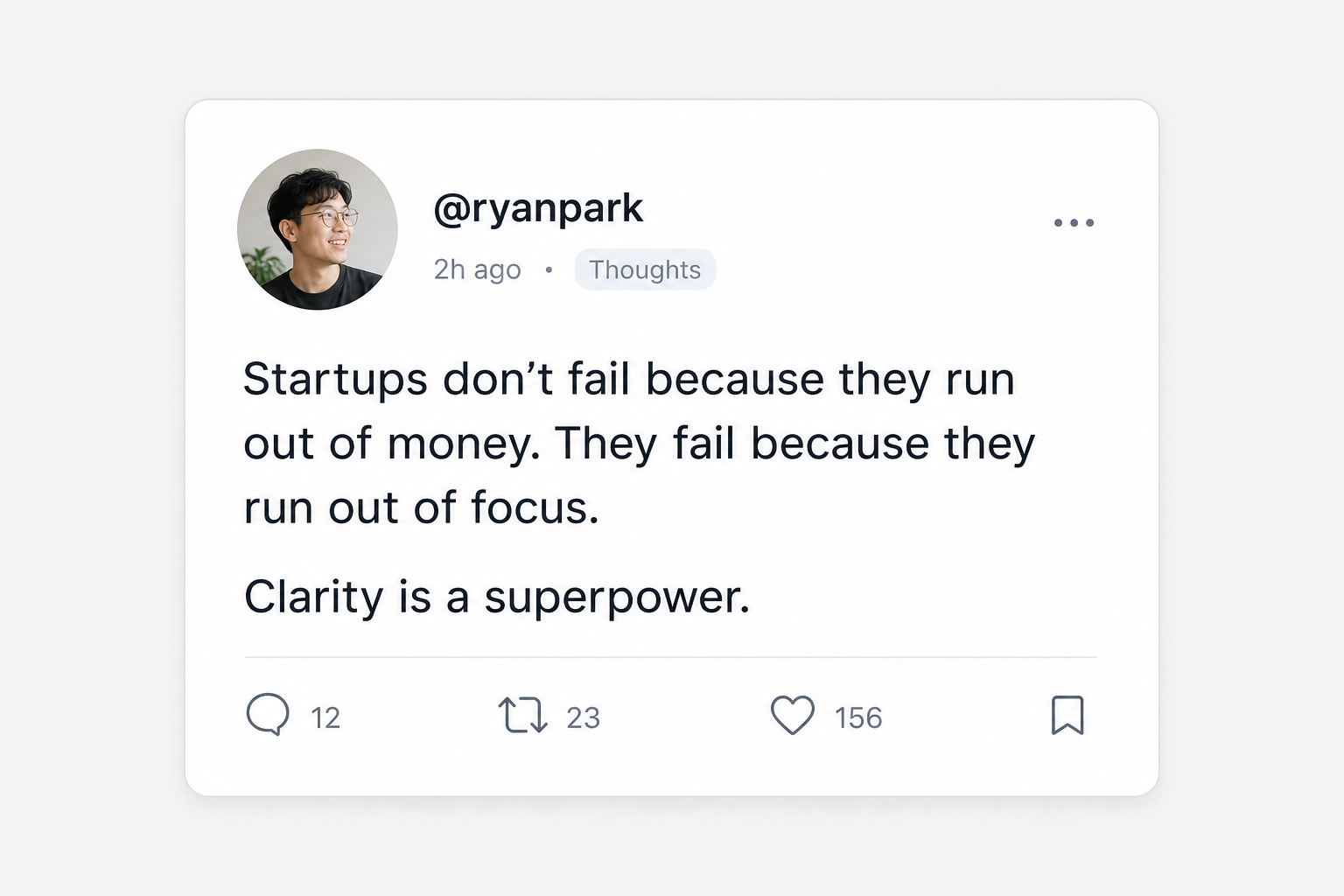
Do things that don't scale
@paulg · X
Matched topic: startup advice
wisdomstartupgrowth
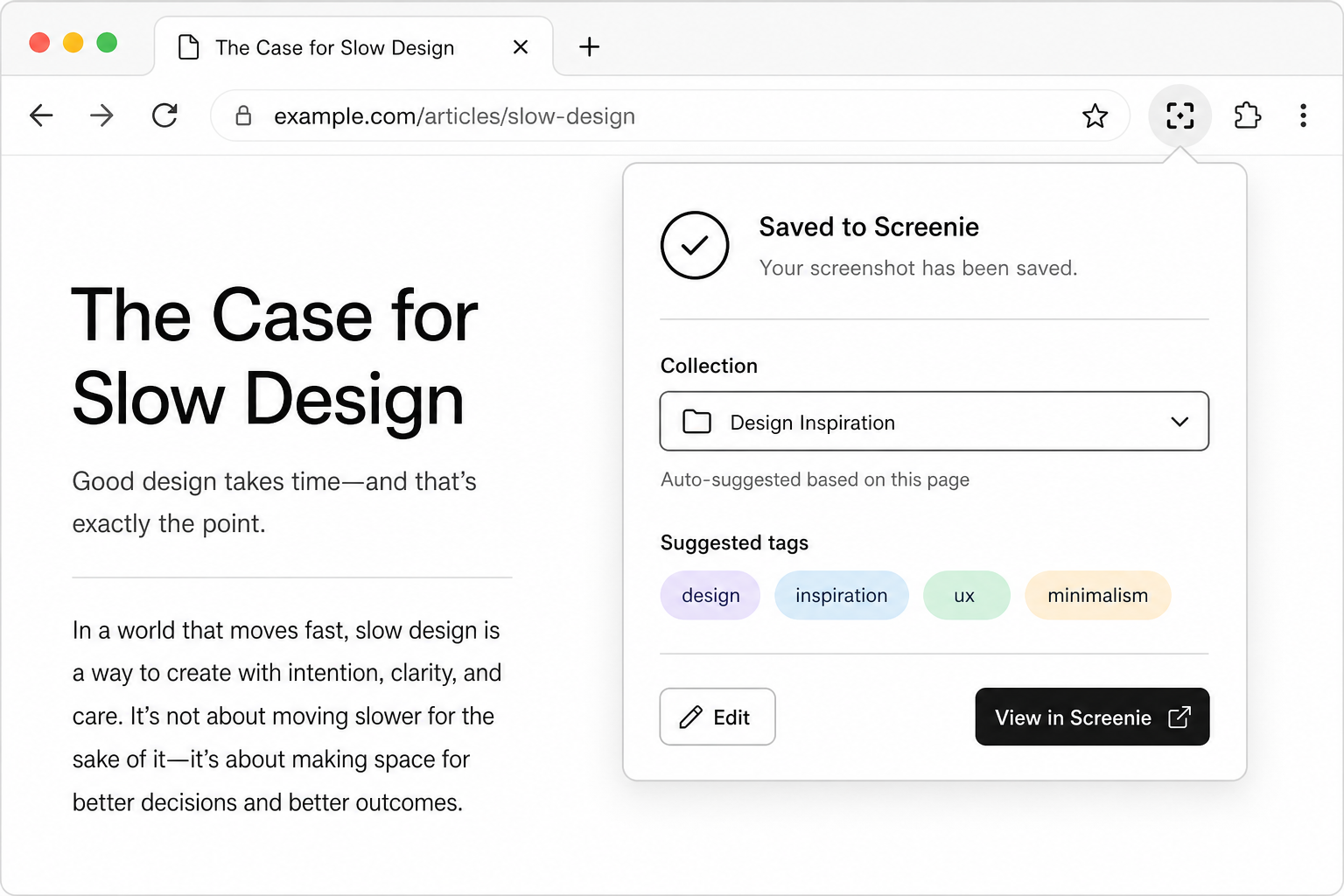
Screenie is the AI capture inbox for links, screenshots, snippets, and images. You save once. It reads, tags, and organizes. You find it later by memory, not filename.
128
avg. saves / user
<10s
to find a save
4
input types
Do things that don't scale
@paulg · X
Matched topic: startup advice
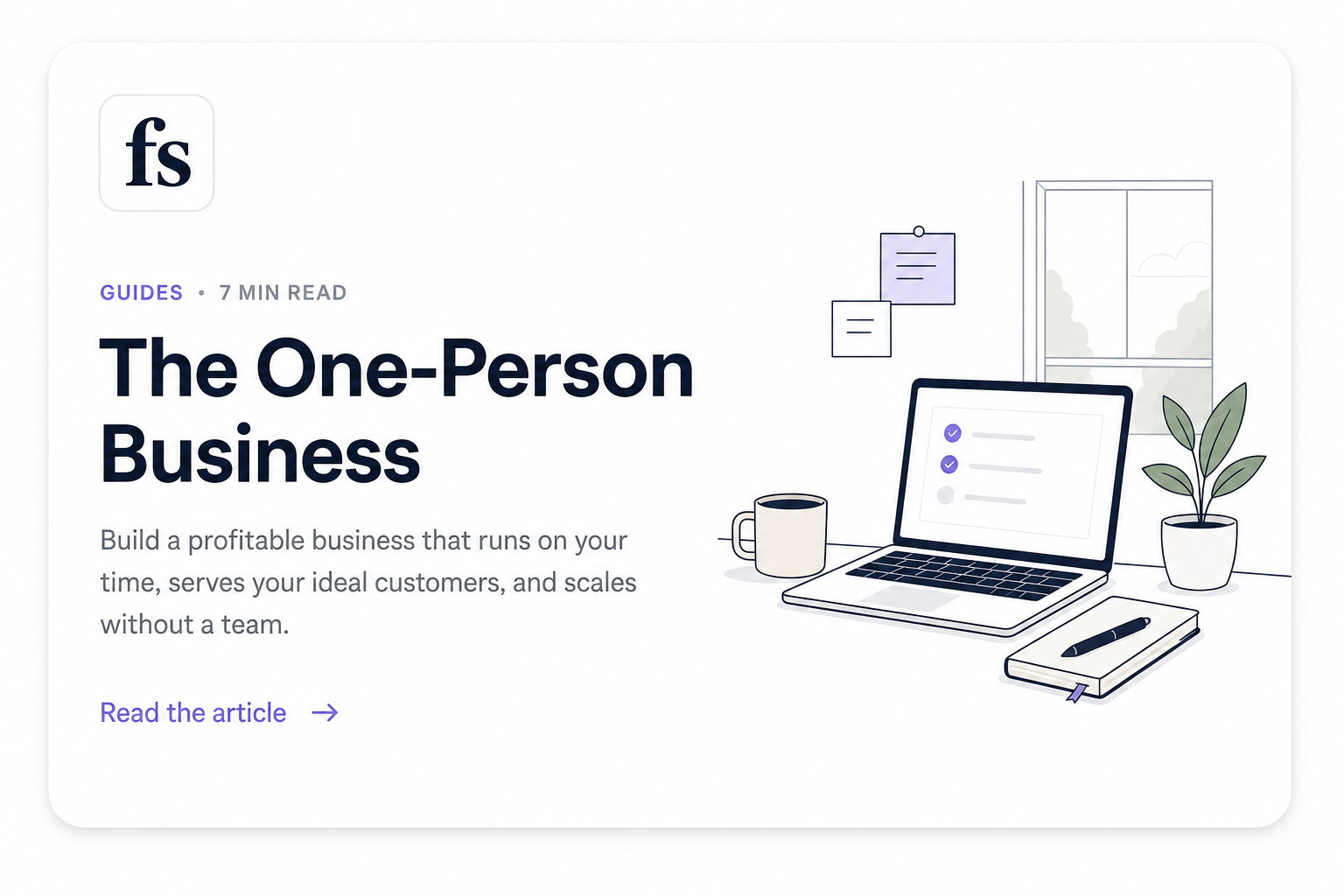
The One-Person Business Isn't a Company
fs.blog · article
Matched snippet text
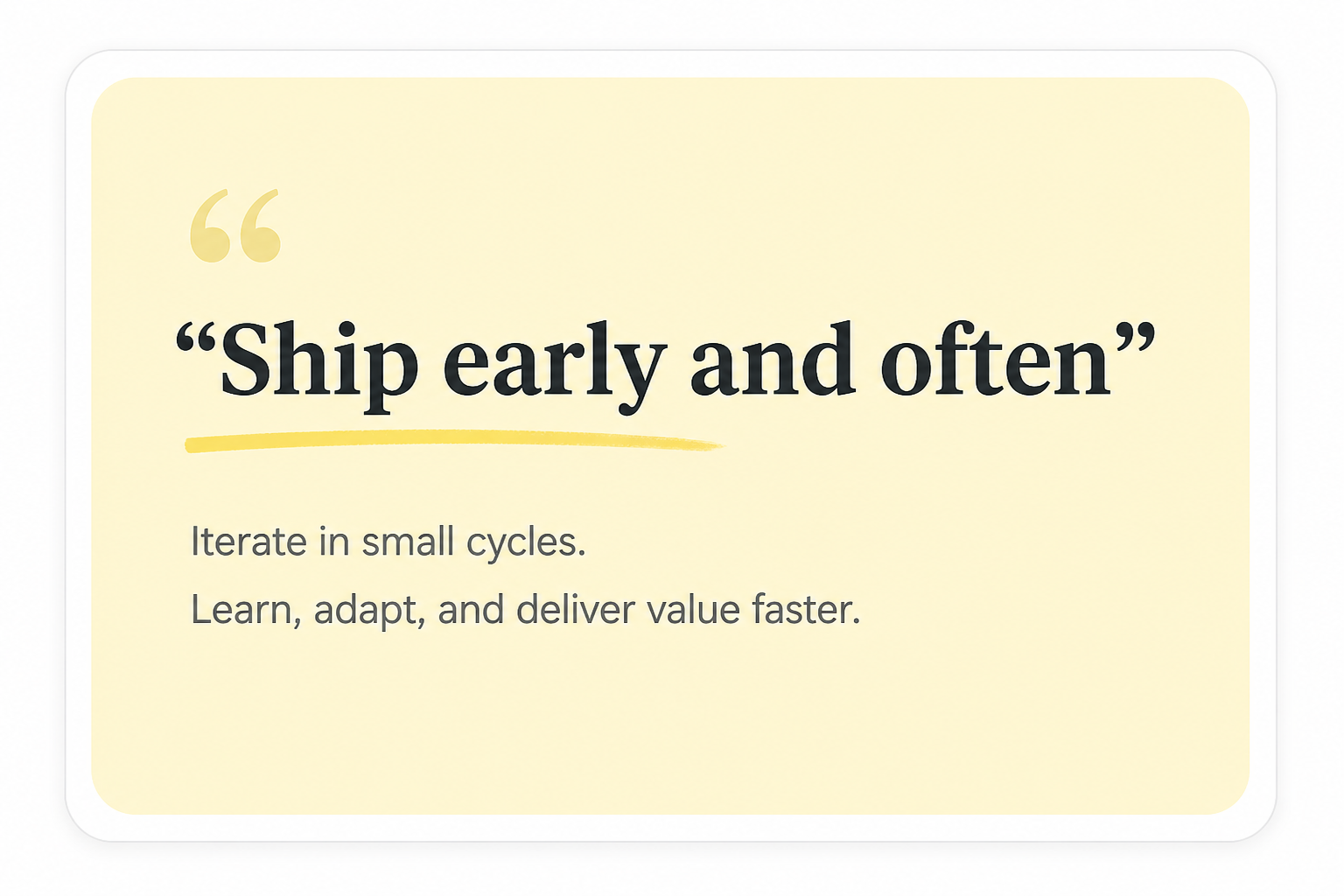
Ship early and often
Highlight · Snippet
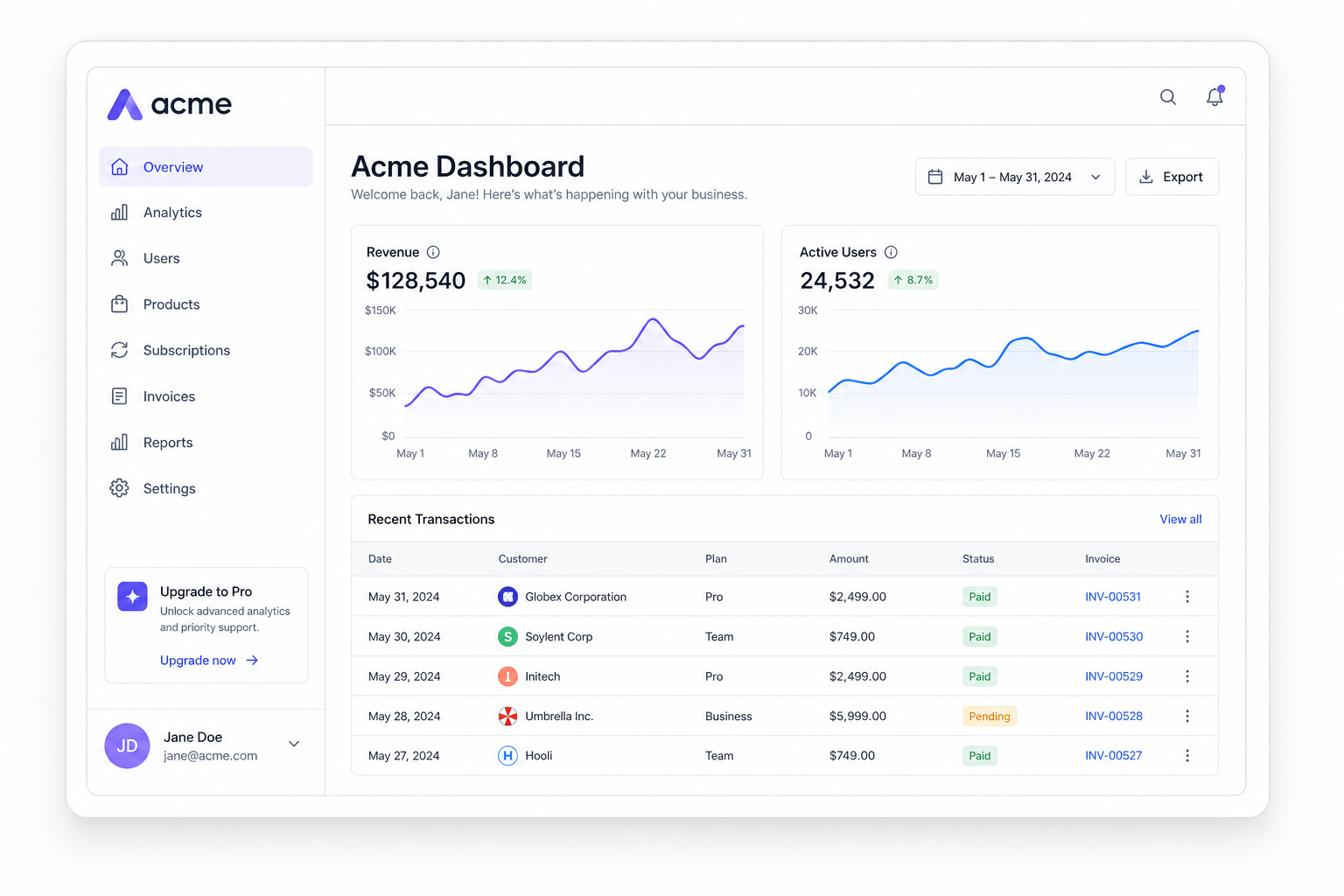
Acme Dashboard
Screenshot · UI
Matched tag: dashboard
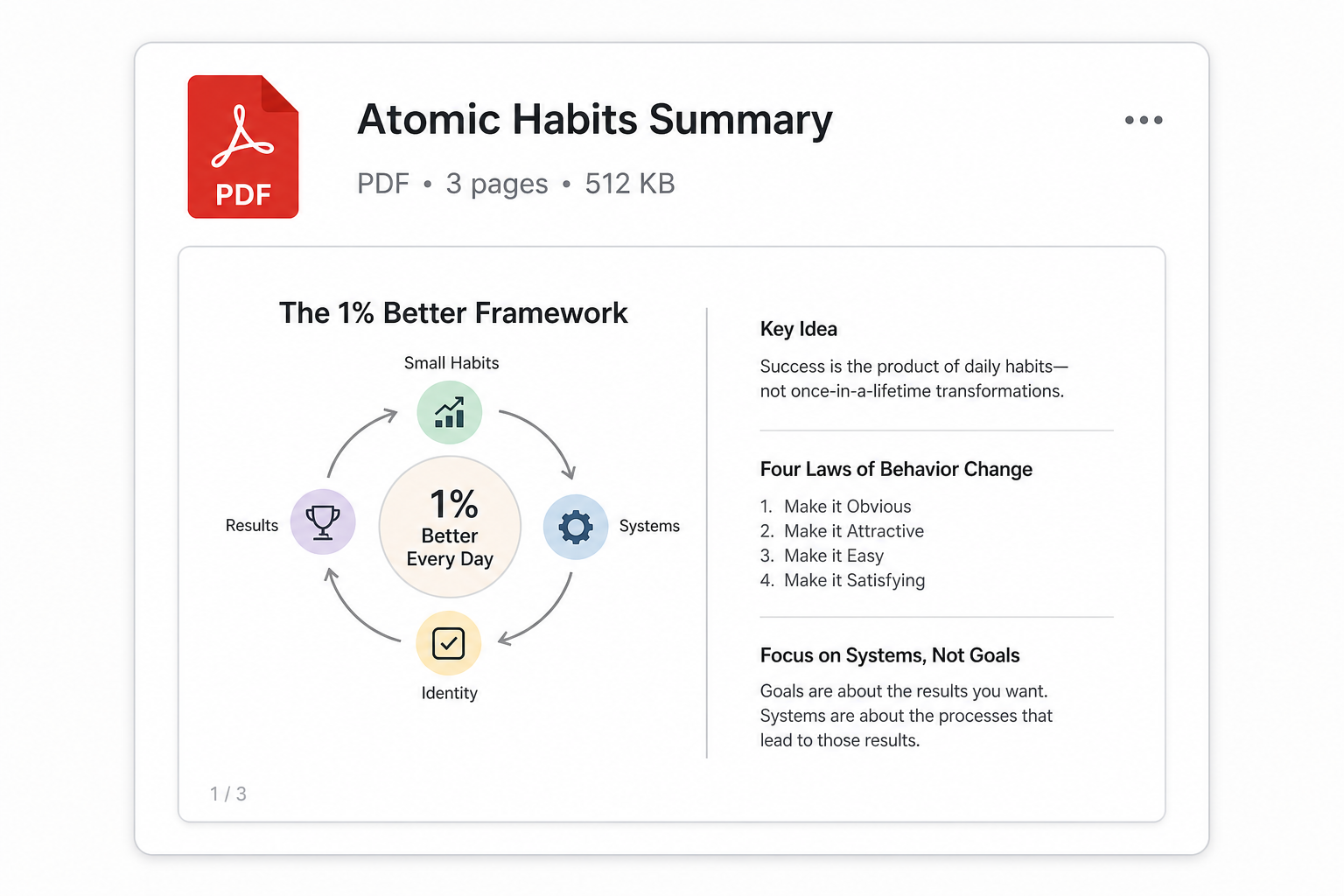
Atomic Habits Summary.pdf
PDF · 1.2 MB

Minimal concrete interior
Image · Inspiration
Most tools make you organize up front. Screenie flips the workflow: capture everything, let AI file it, search when you need it.
Extension, share sheet, paste, and drag-drop. Save in one tap without picking a folder first.
OCR, summaries, source detection, and smart tags run automatically in the background.
Search the phrase you half-remember across links, images, and text, ranked by meaning.
You only do the first step. Screenie runs the rest in the background, the moment something lands in your inbox.
Paste, drag, or share a link, screenshot, snippet, or file.
OCR pulls text from images; the source and content are recognized.
A summary and smart tags are written automatically. No input from you.
Related saves group into collections that build themselves over time.
Click through the core views. Same UI, same sample saves, every time.
Every save in one searchable grid.
Do things that don't scale
@paulg · X
Matched topic: startup advice
The One-Person Business Isn't a Company
fs.blog · article
Matched snippet text
Ship early and often
Highlight · Snippet
Acme Dashboard
Screenshot · UI
Matched tag: dashboard
Atomic Habits Summary.pdf
PDF · 1.2 MB
Minimal concrete interior
Image · Inspiration
Three steps, and you only do the first one. Screenie handles the rest in the background.
Paste a link, drag a screenshot, save a snippet, or share straight from your phone. No folder to choose, no title to write. It just lands in your inbox.
Capture anything
Paste link
⌘V
Drop image
⇧⌘V
Snippet
⌘⇧T
Screenie reads every save: OCR on images, source recognition, a short summary, and smart tags. Related items group into collections that build themselves.
Organize
AI filing on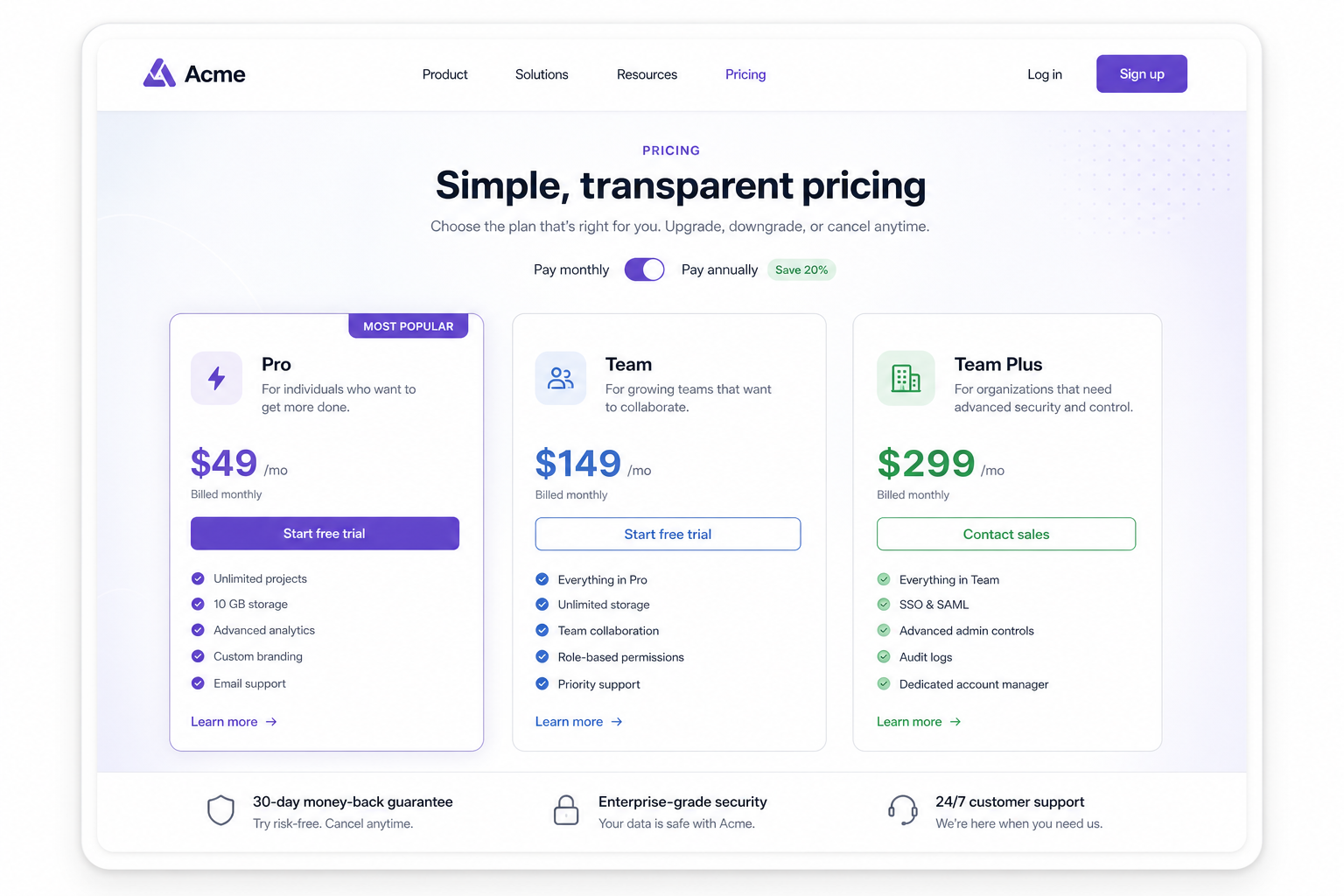
Type what you half-remember: a phrase, a topic, who posted it, or words inside a screenshot. Screenie searches across everything and shows you why each result matched.
3 results · ranked by meaning
The One-Person Business Isn't a Company
fs.blog · article
Matched snippet text
Acme Dashboard
Screenshot · UI
Matched tag: dashboard
Acme pricing page
acme.com/pricing
Matched OCR: "Pro · $49/mo"
Works where you save
Screenie is built around the real failure: not saving things, but finding them again later.
Screenie runs OCR on every screenshot and photo, recognizes where it came from, and writes a quick summary. A screenshot of a tweet becomes findable by the words inside it.
Acme pricing page
OCR completeacme.com/pricing · 1.2 MB
Extracted text
Pro · $49/mo · Team · $129/mo
Summary
SaaS pricing page with Pro and Team tiers. Useful for comp research.
Smart tags
Bookmarks you'll never open again
Saved links get a summary, a source, and tags, so a bookmark is something you can actually find, not a graveyard.
Saves scattered across ten apps
Notes, screenshot folders, DMs to yourself, open tabs. Screenie replaces the pile with one inbox.
You remember it, but not where
Search by the fragment you do remember. Screenie matches across links, images, and text you saved months ago.
A browser extension and mobile share-sheet mean saving is one tap. Screenie pre-fills the right collection and tags before you've even let go.