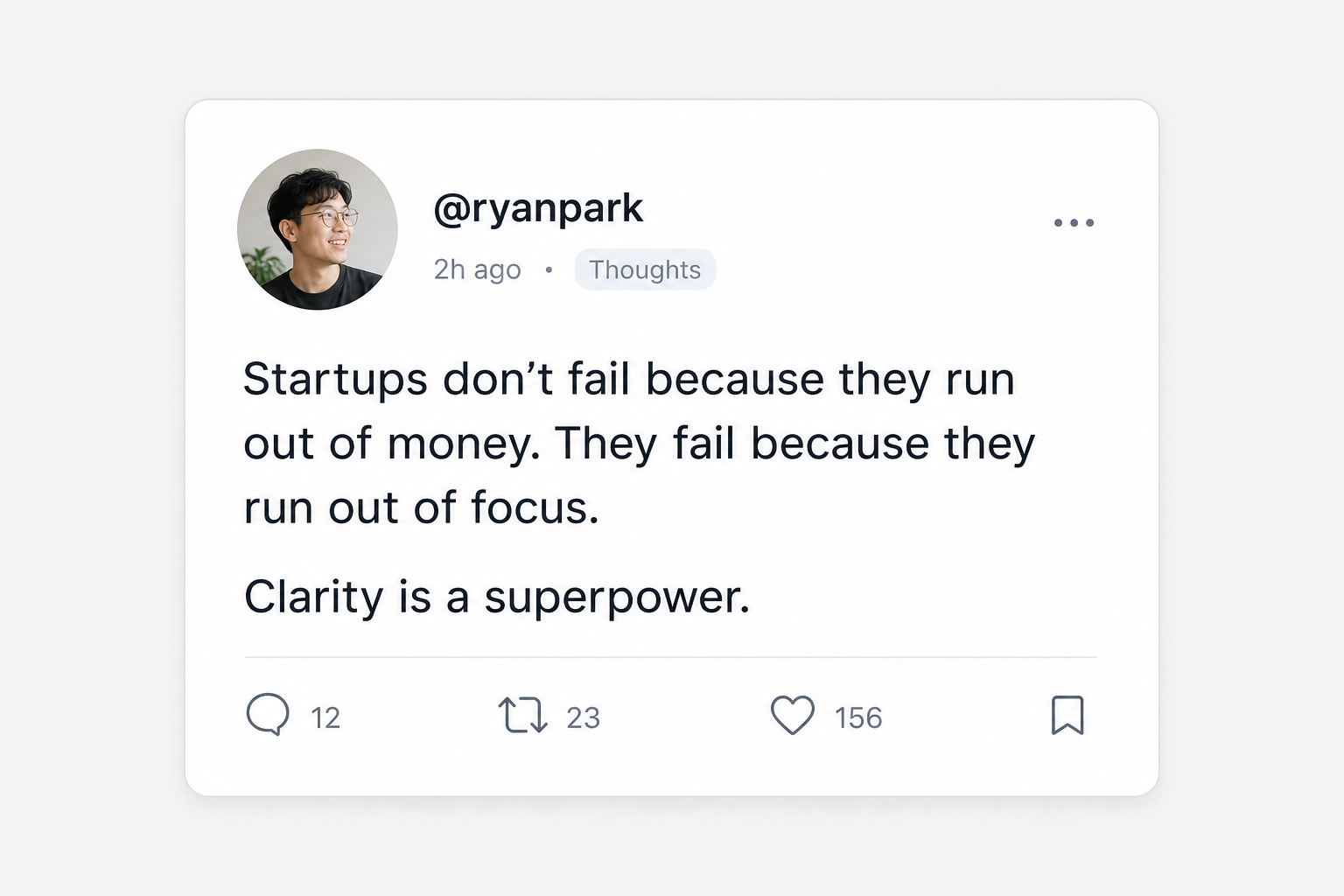
Do things that don't scale
@paulg · X
Matched topic: startup advice
wisdomstartupgrowth
Screenie is the inbox for everything you save online. Drop in links, screenshots, snippets, and images. It reads, tags, and organizes them so you can search by memory, not filename.
Open source · Free while in beta · No credit card

Do things that don't scale
@paulg · X
Matched topic: startup advice
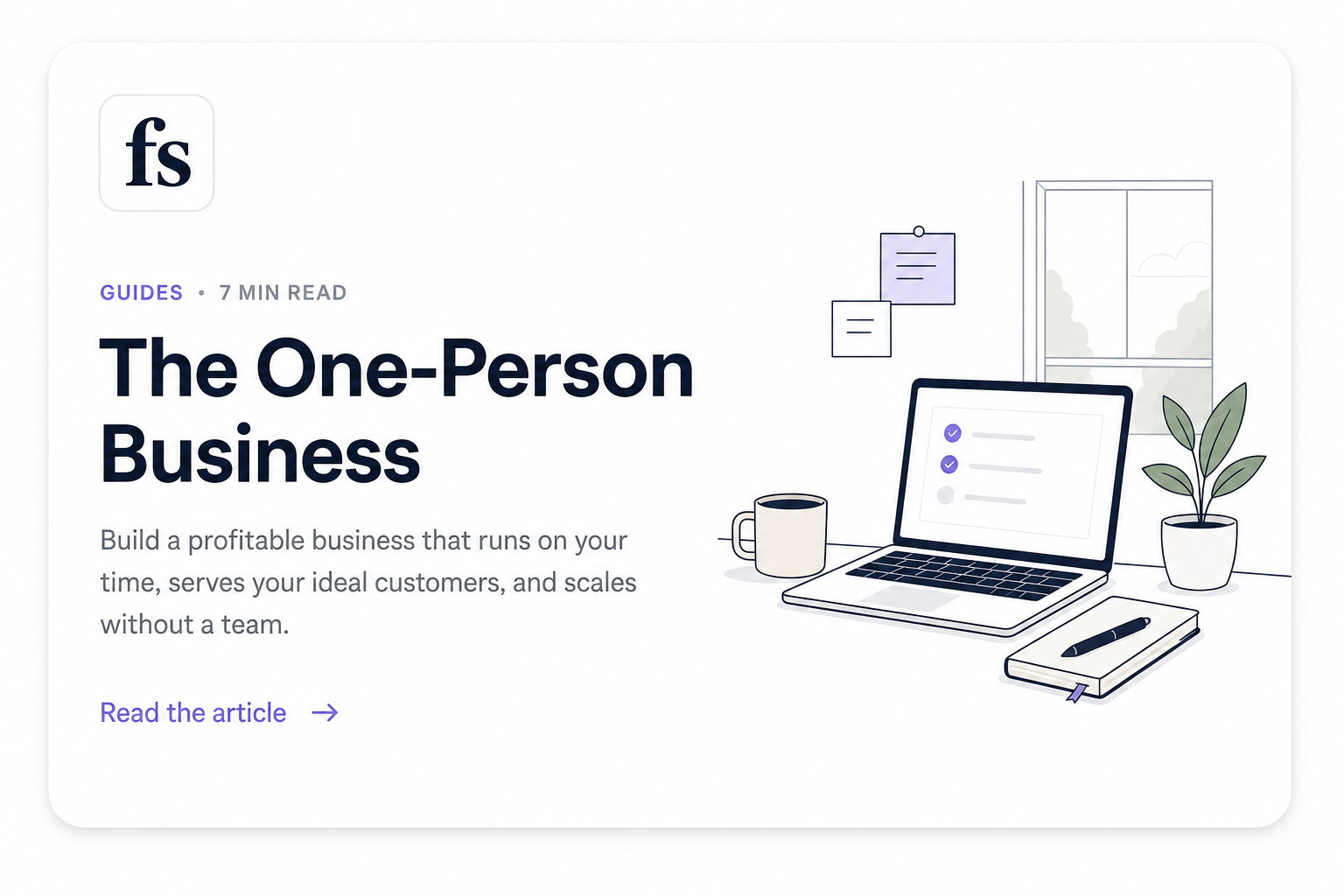
The One-Person Business Isn't a Company
fs.blog · article
Matched snippet text
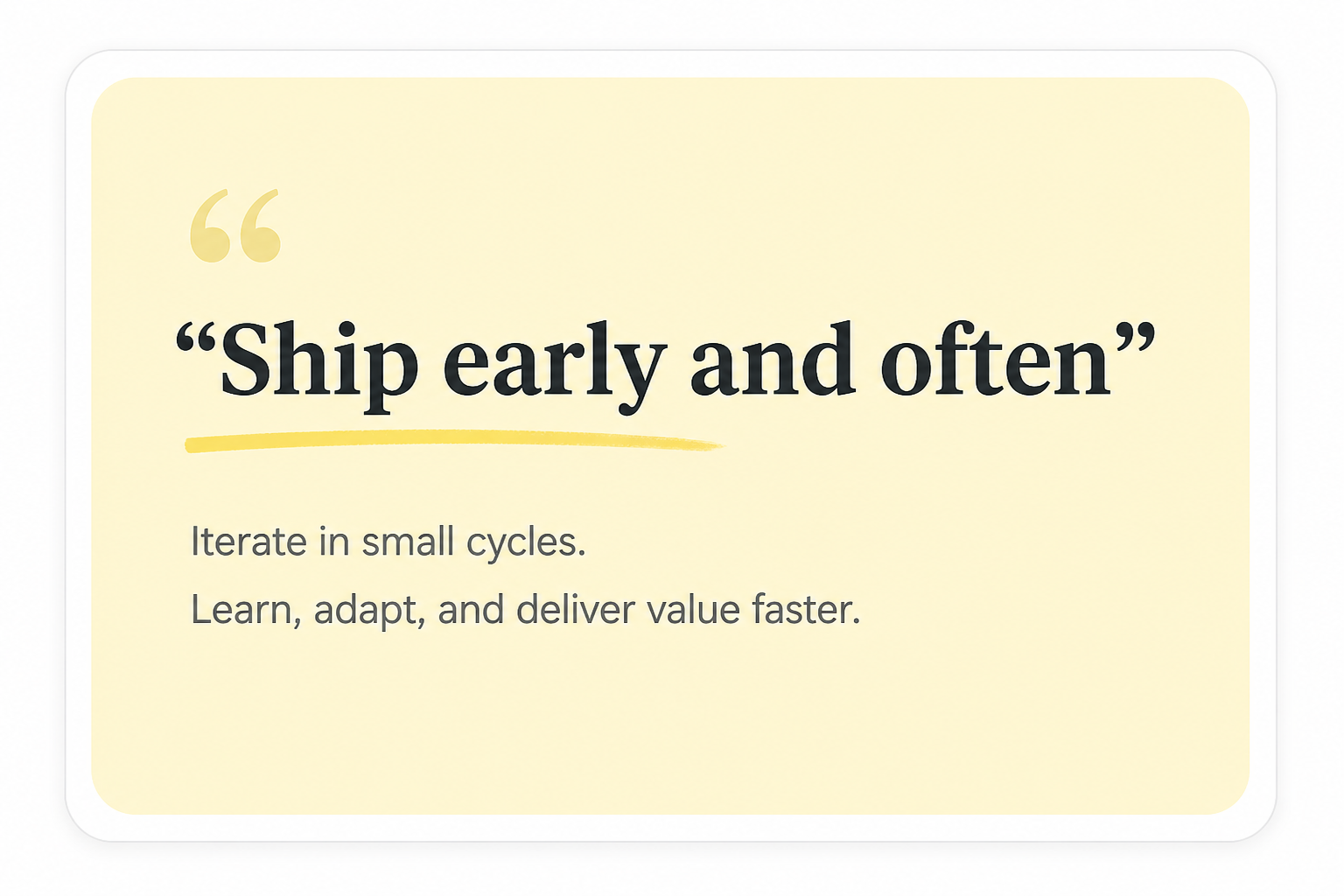
Ship early and often
Highlight · Snippet
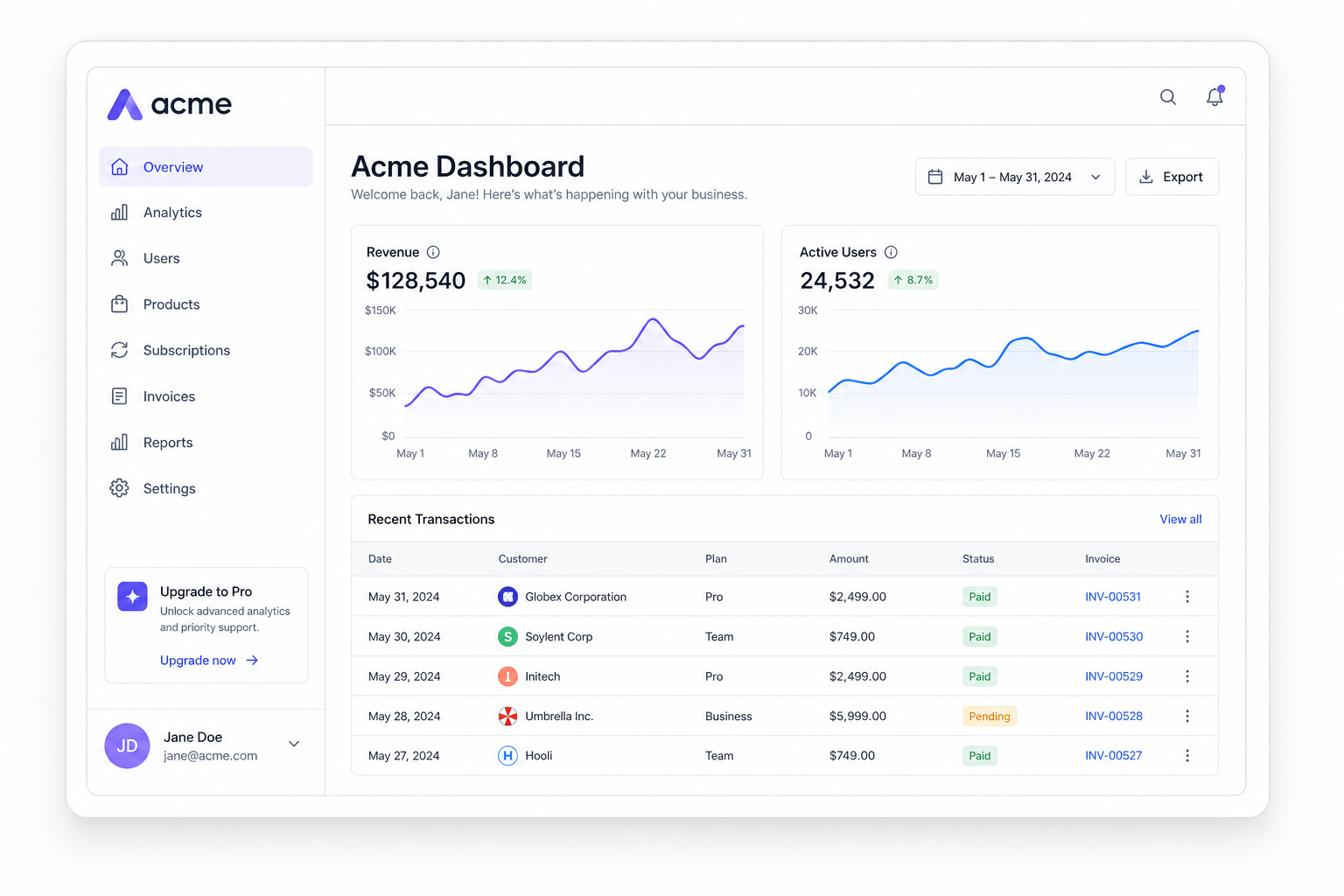
Acme Dashboard
Screenshot · UI
Matched tag: dashboard
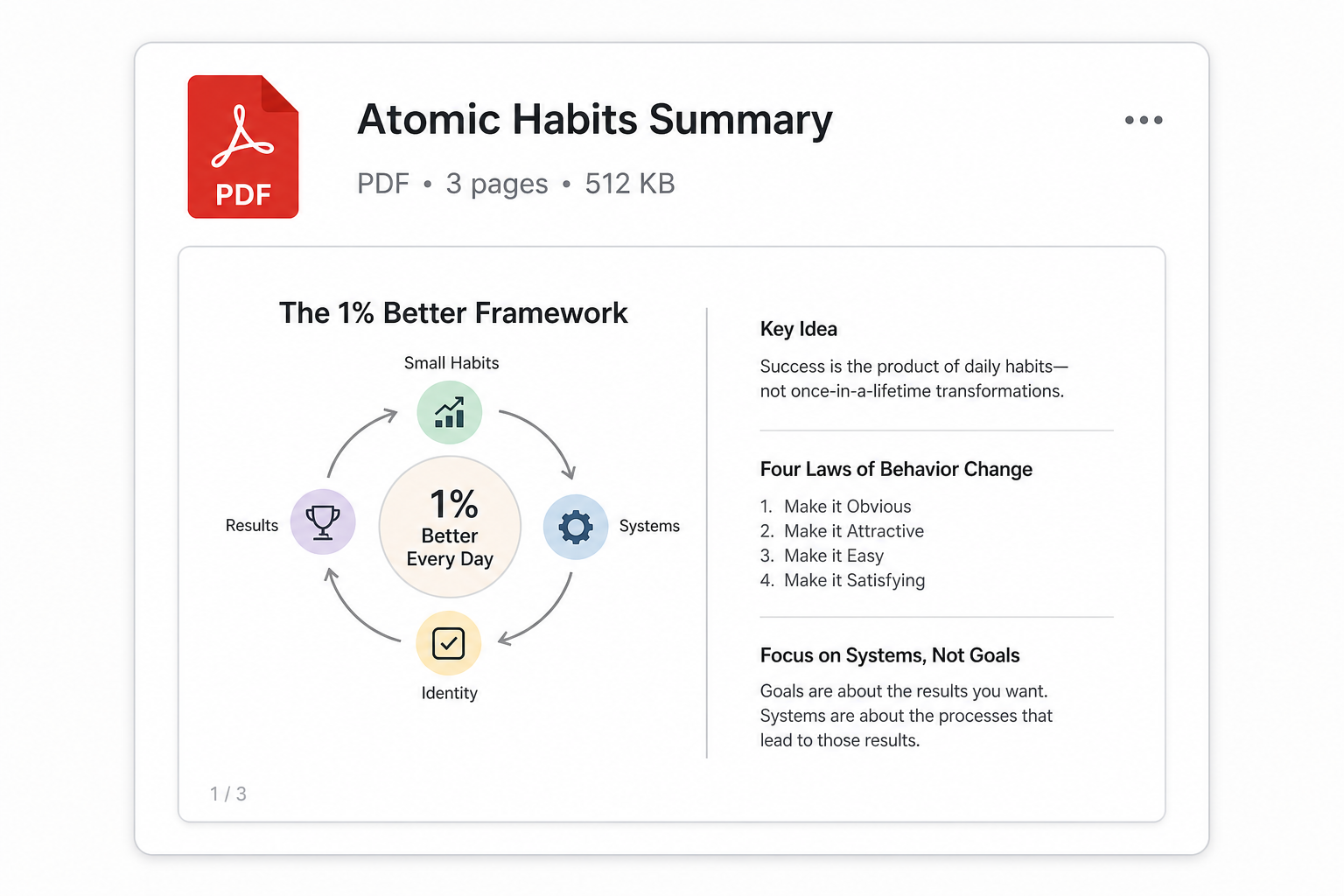
Atomic Habits Summary.pdf
PDF · 1.2 MB
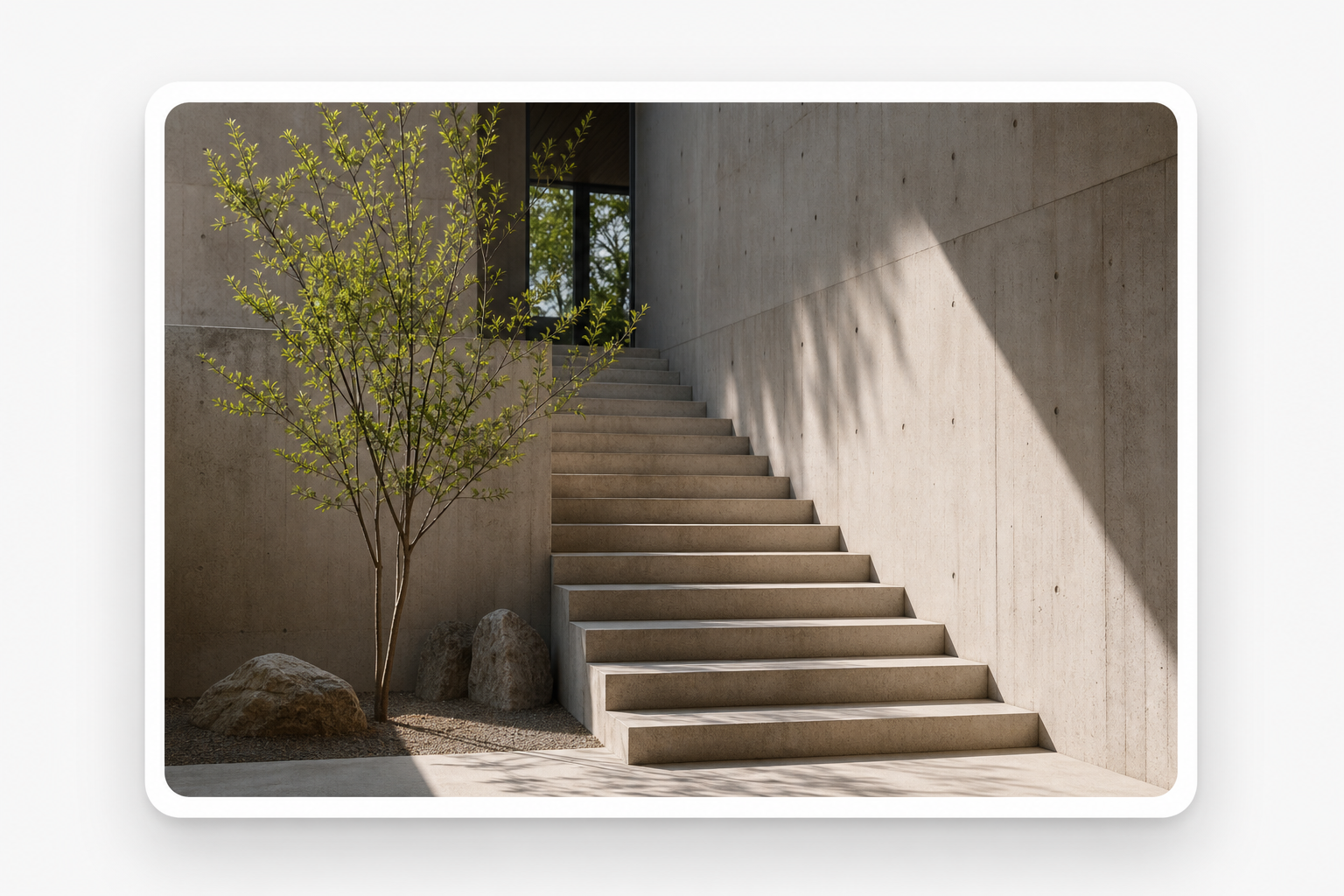
Minimal concrete interior
Image · Inspiration
One inbox for the things you used to lose
Built for people with too many bookmarks, too many screenshots, and no reliable system for recall.
You never had a saving problem.
You had a finding problem.
Everyone saves with good intentions. The hard part is getting it back. Screenie is built for the second half, so the thing you saved is the thing you find.
Three steps, and you only do the first one. Screenie handles the rest in the background.
Paste a link, drag a screenshot, save a snippet, or share straight from your phone. No folder to choose, no title to write. It just lands in your inbox.
Capture anything
Paste link
⌘V
Drop image
⇧⌘V
Snippet
⌘⇧T
Screenie reads every save: OCR on images, source recognition, a short summary, and smart tags. Related items group into collections that build themselves.
Organize
AI filing on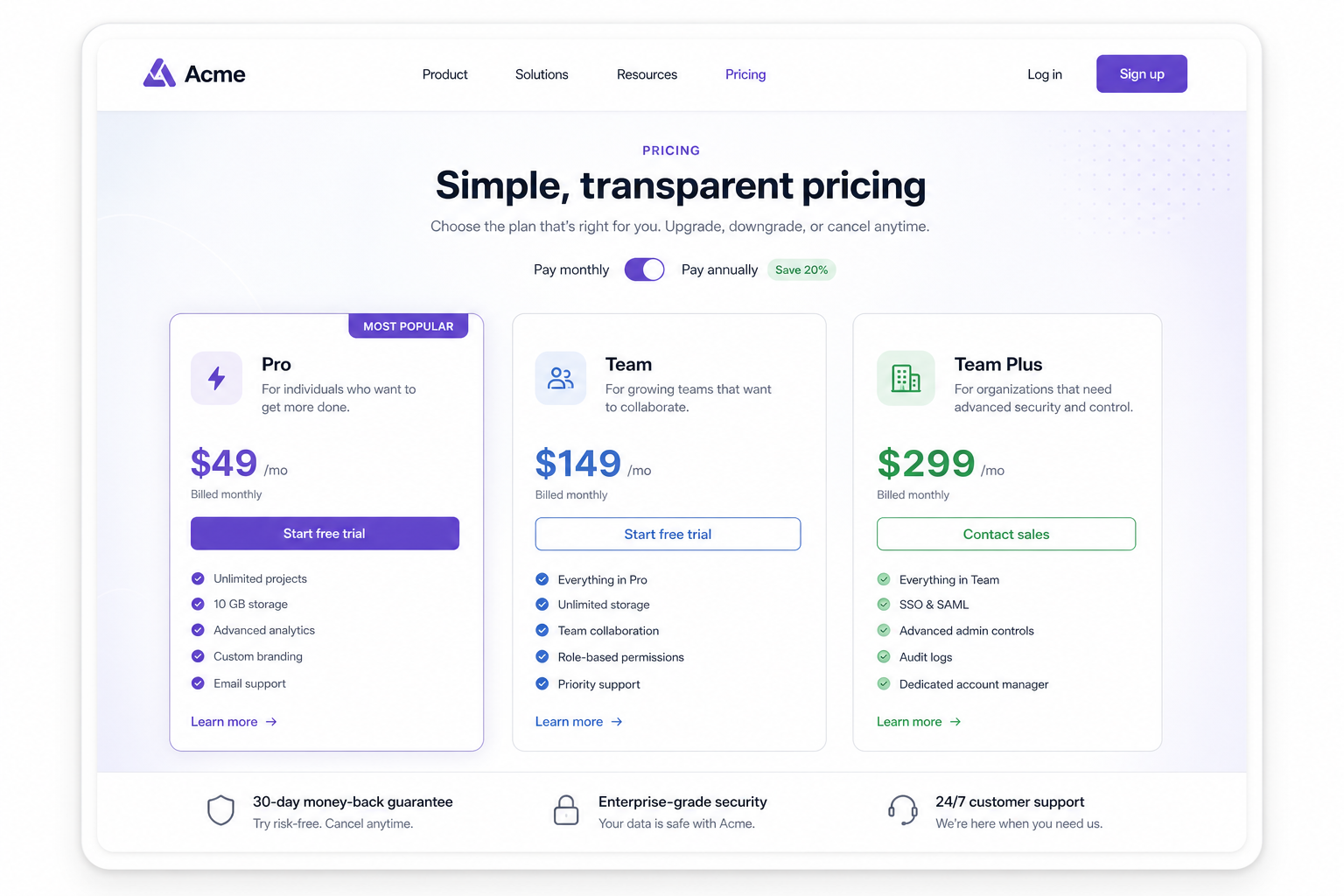
Type what you half-remember: a phrase, a topic, who posted it, or words inside a screenshot. Screenie searches across everything and shows you why each result matched.
3 results · ranked by meaning
The One-Person Business Isn't a Company
fs.blog · article
Matched snippet text
Acme Dashboard
Screenshot · UI
Matched tag: dashboard
Acme pricing page
acme.com/pricing
Matched OCR: "Pro · $49/mo"
Pick the saver you are. Screenie fits the people who save the most, and lose the most.
Save lecture screenshots, article highlights, diagrams, and explanations. When the exam comes, search by topic instead of digging through a camera roll.

Papers, quotes, screenshots, and references pile up fast. Screenie keeps them searchable by idea, so writing the synthesis isn't an archaeology dig.

Screenshots of UI, sites, type, and color don't need manual folders anymore. Save the inspiration and let collections form around what you actually save.

Competitor sites, tweet threads, market notes, and product inspiration stop scattering across tabs and DMs. Build a searchable knowledge base as you go.

Role links, interview advice, resume feedback screenshots, and company research usually live in ten places. Keep them in one searchable base instead.

Screenie is built in the open. Public source is coming soon. Self-host your own inbox, or use the hosted beta. Your saves, your way.
A short, practical read on why capture-first beats folder-first.
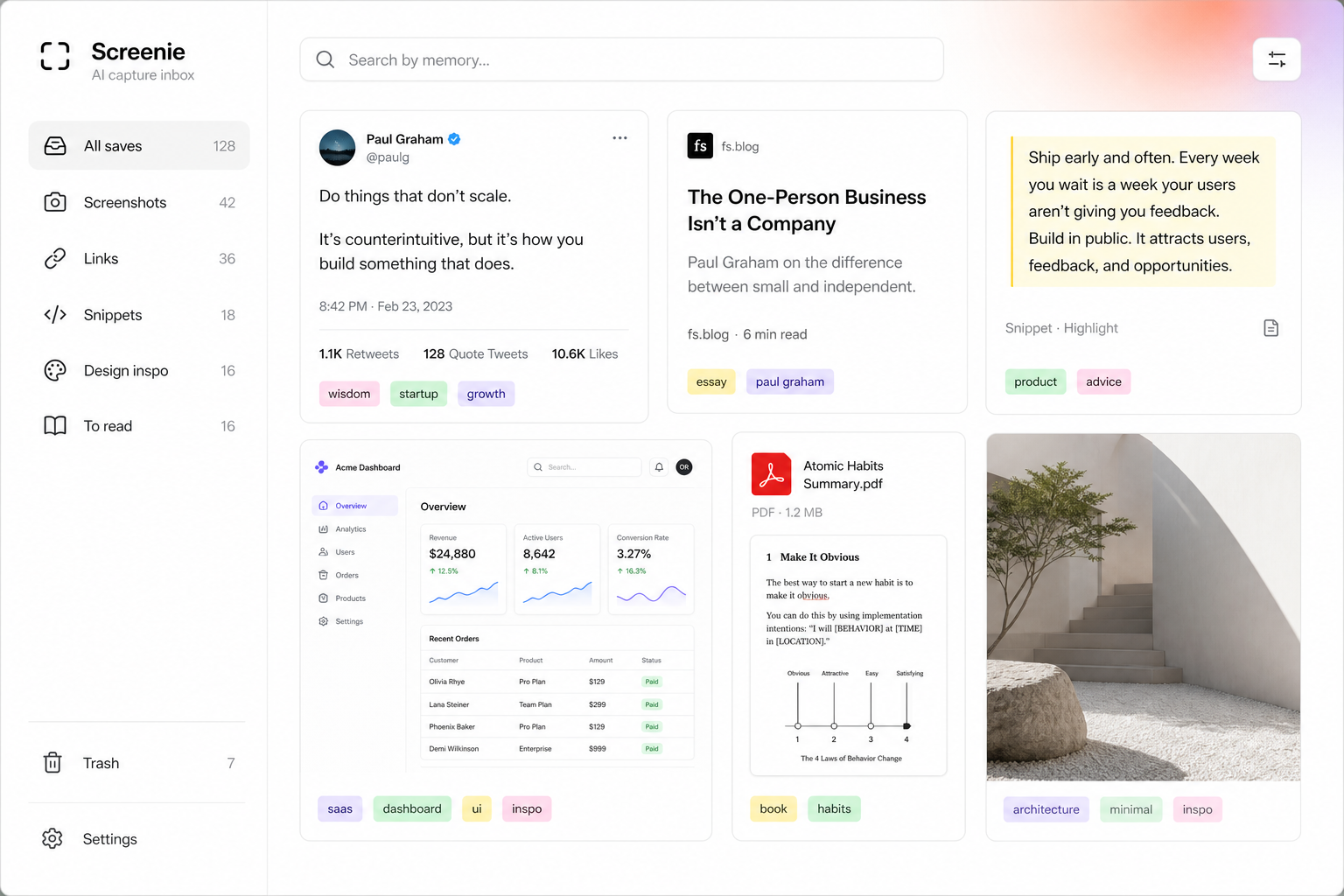
A capture-first workflow for people who save a lot, forget where it went, and refuse to become their own librarian.
By Screenie