It is Sunday night. You remember saving a pricing page — the one with the annual toggle buried under three modals — but the bookmark folder is wrong, the screenshot is named IMG_4821, and the tab group from last Tuesday is a graveyard.
That is not a discipline problem. It is a recall problem dressed up as an organization problem.
A second brain that cannot be searched by memory is not a brain. It is a well-branded junk drawer.
Most second-brain advice quietly asks you to become a librarian. Pick a method. Create folders. Name every note. Review the inbox. Move things into the right bucket before the system starts working.
That can work if organizing is part of your personality. For everyone else, the system becomes another project — one motivated weekend, a beautiful taxonomy, and then silence.
The failure is recall, not capture
Most people do not have a saving problem. They have fragments everywhere:
- A pricing page in bookmarks
- A tweet screenshot in the camera roll
- A paragraph copied into Notes
- A ChatGPT answer buried under a vague chat title
- A tutorial sitting in a tab group from last Tuesday
When you need one of those things later, you rarely remember the storage location. You remember a scene: the annual billing toggle, the green checkout button, the quote about shipping early.
Screenie starts from a different assumption: you already save enough. The hard part is finding it again.
The capture-first contract
Screenie keeps the workflow small enough to survive a busy day:
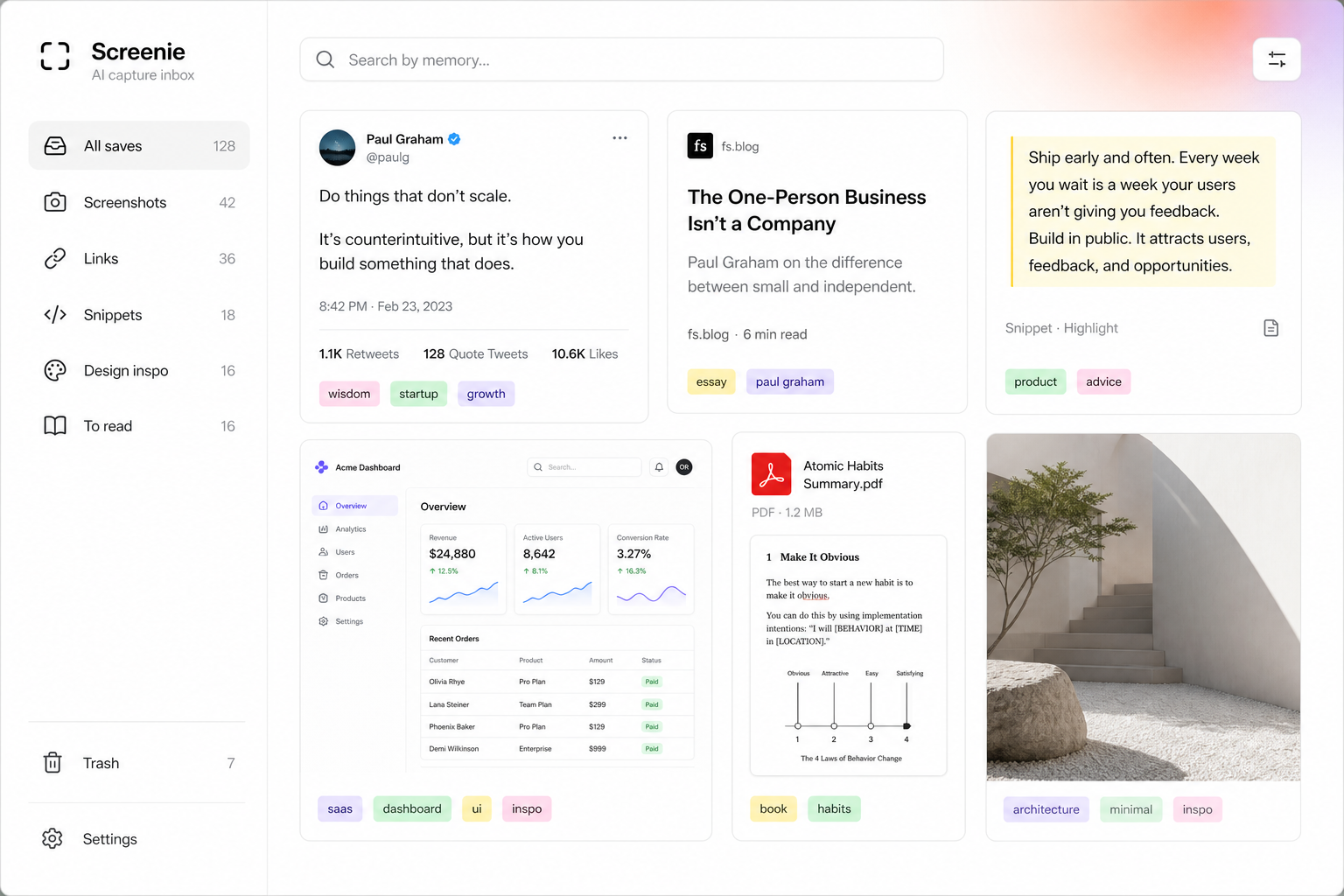
- 1Drop everything into one inbox. Links, screenshots, snippets, and images all land in the same place.
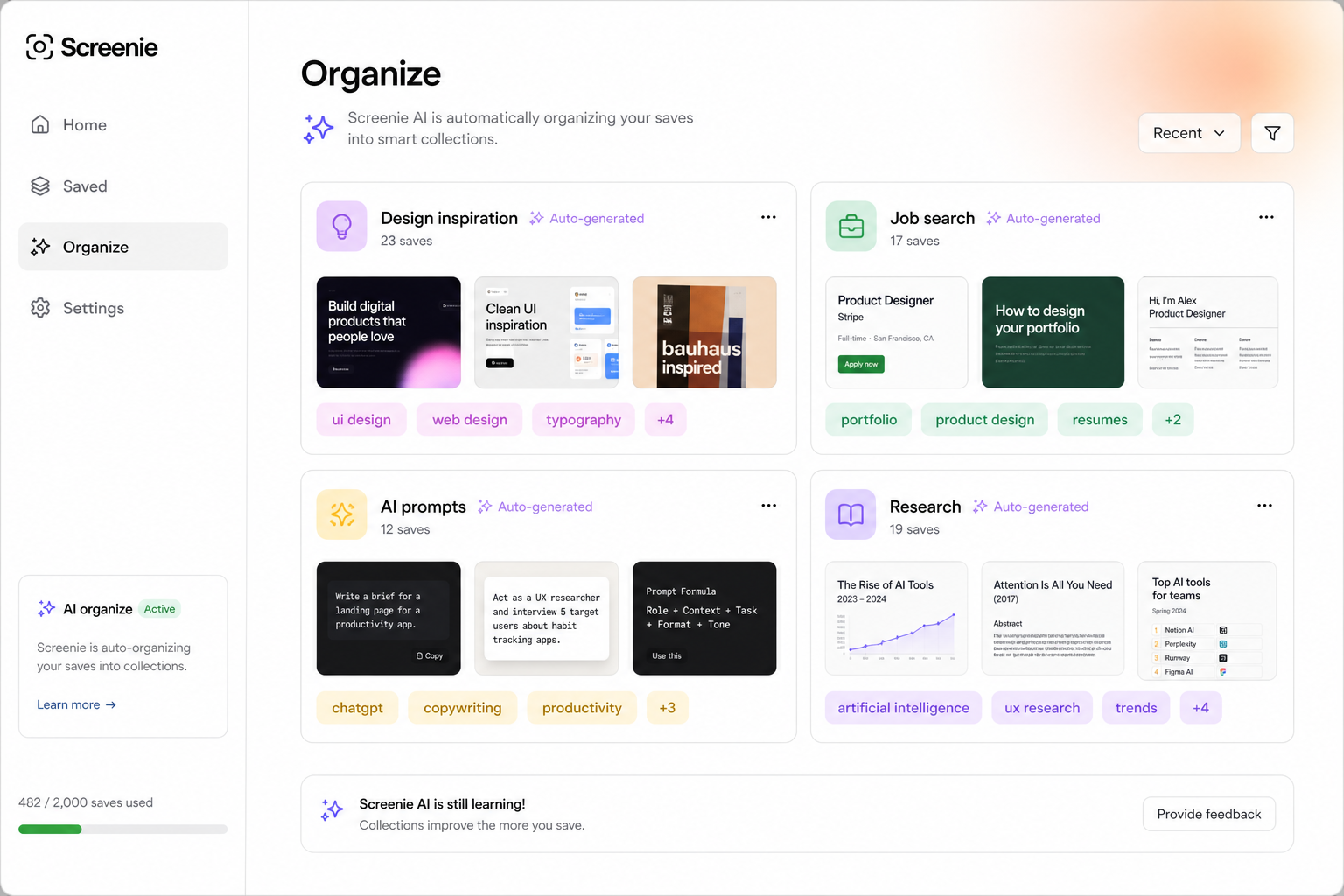
- 2Let AI read and tag. Screenie extracts text, titles, and context — you do not file anything on save.
- 3Search by memory. Type what you remember seeing, not what you named the file.
No weekly review ritual. No folder tree to maintain. The inbox is for capture; search and collections that build themselves handle recall.
What you give up (and why it is worth it)
You give up the fantasy of perfect upfront organization. In exchange you get:
- Saves that happen in seconds, not minutes
- Retrieval that matches how memory works
- A system that still works when you are tired, busy, or mid-project
If you are migrating from bookmarks, read Move bookmarks into a capture inbox — it is less painful than it sounds.
A week-one experiment
Try this before you trust the philosophy:
- 1Save five messy things you would normally lose — a screenshot, a link, a copied paragraph, a ChatGPT answer, a photo.
- 2Do not tag or folder anything.
- 3Two days later, search for each using only what you remember about the content.
If you find four out of five, the system is doing its job. If not, adjust what you save — not how you file it.
The point
Building a second brain should not require building a second job. Capture first. Let the inbox hold the chaos. Search when you need something.
Join the waitlist and run the experiment on your next save.