You bookmark a pricing page. You bookmark a tutorial. You bookmark a thread you want to reference. Six months later you have four hundred items in Unsorted and you do not trust any of them.
Bookmarks are not broken because you are lazy. They are broken because they store addresses, not meaning. When you return, you remember the annual toggle on the pricing page — not the URL.
A bookmark saves where something lives. An inbox saves why you cared.
Why migration feels heavy
Most people avoid moving bookmarks because:
- The pile is embarrassing
- Folder names made sense once and do not anymore
- Export formats are confusing
- Nobody wants to re-file four hundred links by hand
Screenie's import is built for messy reality — not pristine libraries.
The migration without guilt
- 1Export from your browser — Chrome, Safari, or Firefox all support HTML export.
- 2Import into Screenie — see Import bookmarks for step-by-step.
- 3Do not re-file. Let AI read titles and pages. Search by memory.
- 4Save new things to the inbox only — bookmarks become read-only history.
You are not organizing the past. You are making it searchable.
What changes after import
Old bookmarks become saves with:
- Extracted page titles and descriptions
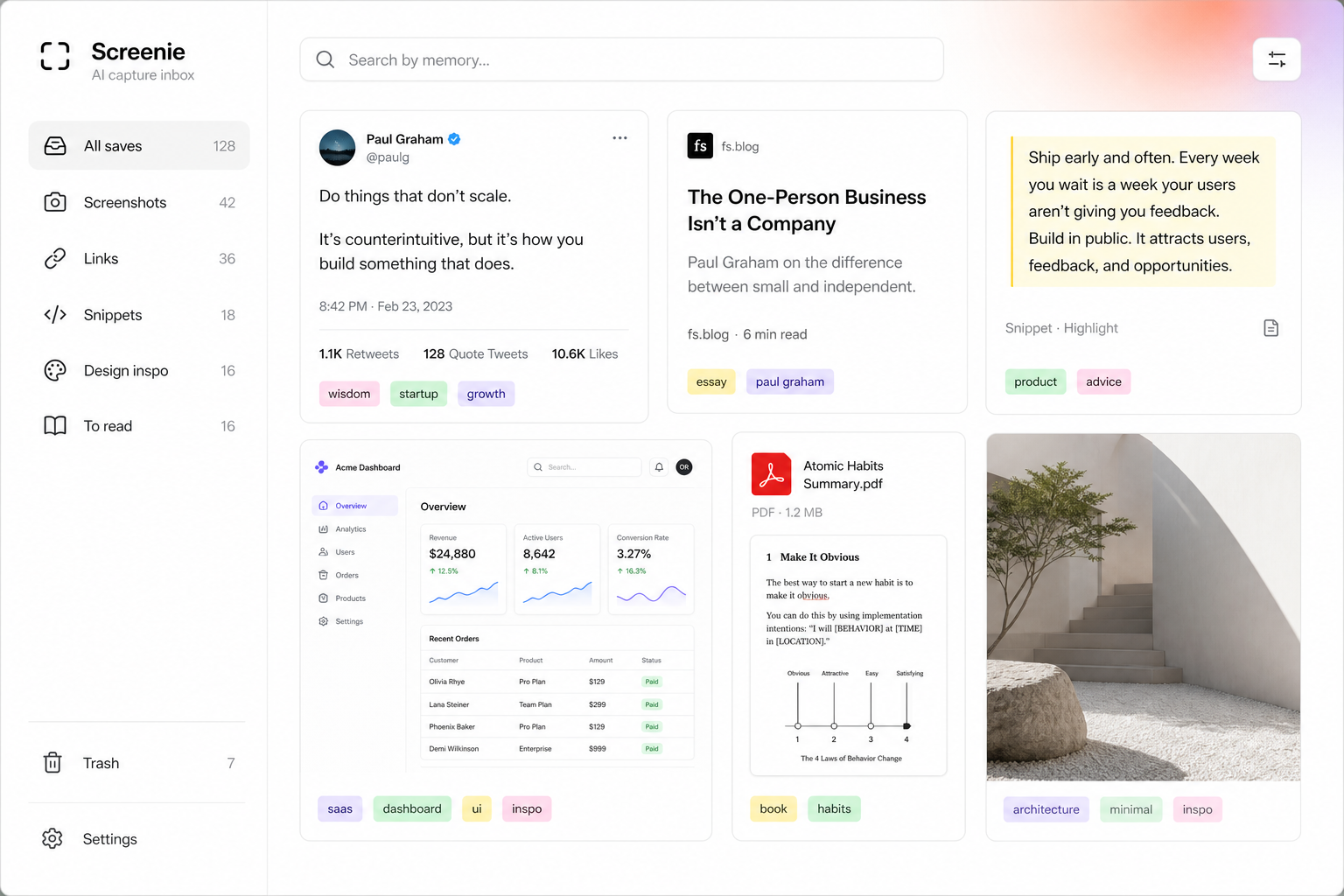
- Searchable text from the page content
- Tags inferred from what is actually on the page
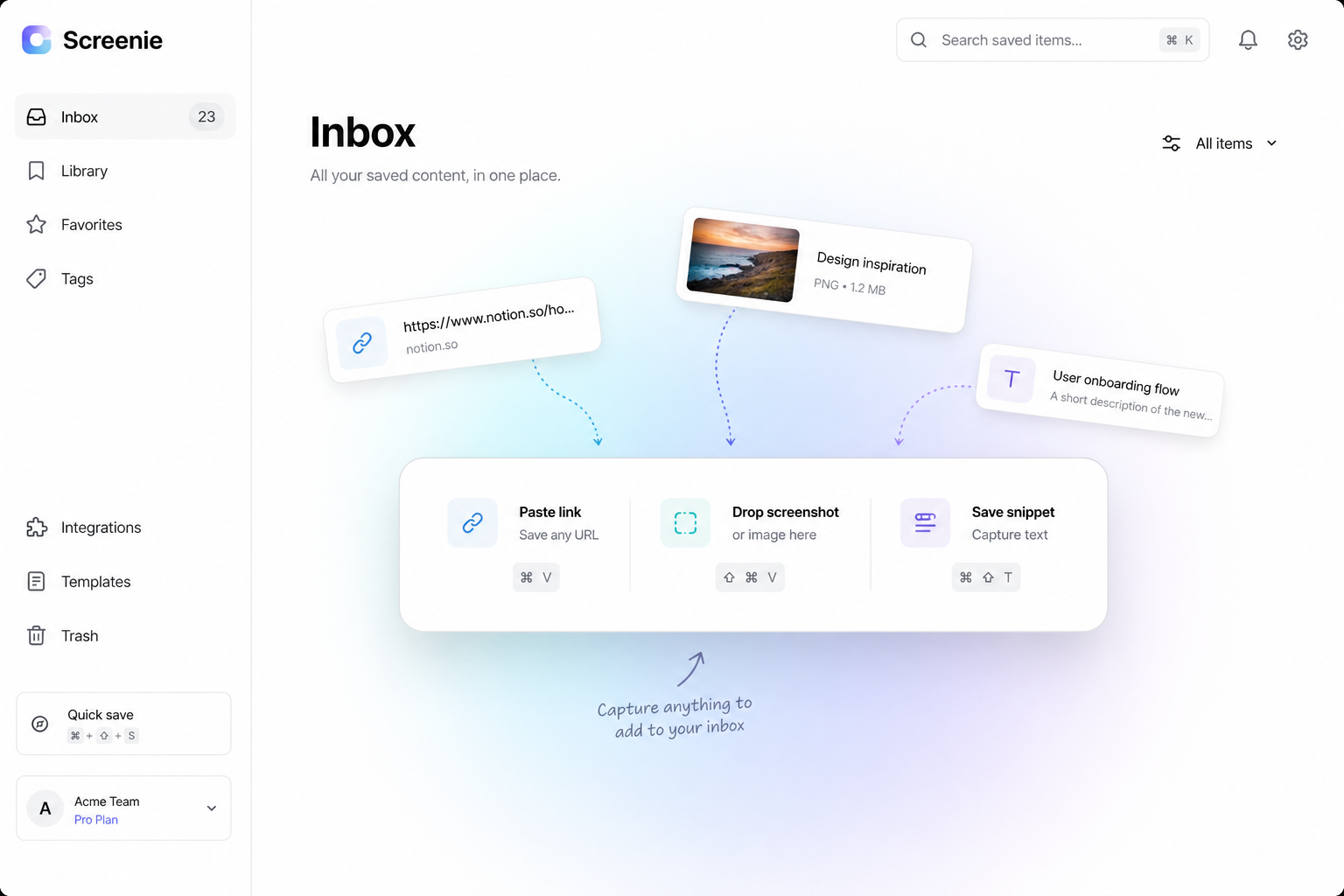
New saves go through the capture-first workflow — one inbox, no filing on save.
Cut the cord on new bookmarks
Install the one-tap save workflow and stop adding to the graveyard. Every new link goes to Screenie.
The bookmark bar can stay empty. That is a feature.
The point
You do not need to fix your old system. You need a new default for everything forward — and a searchable archive for everything behind.
Join the waitlist and import the pile. Search it once. Feel the difference.