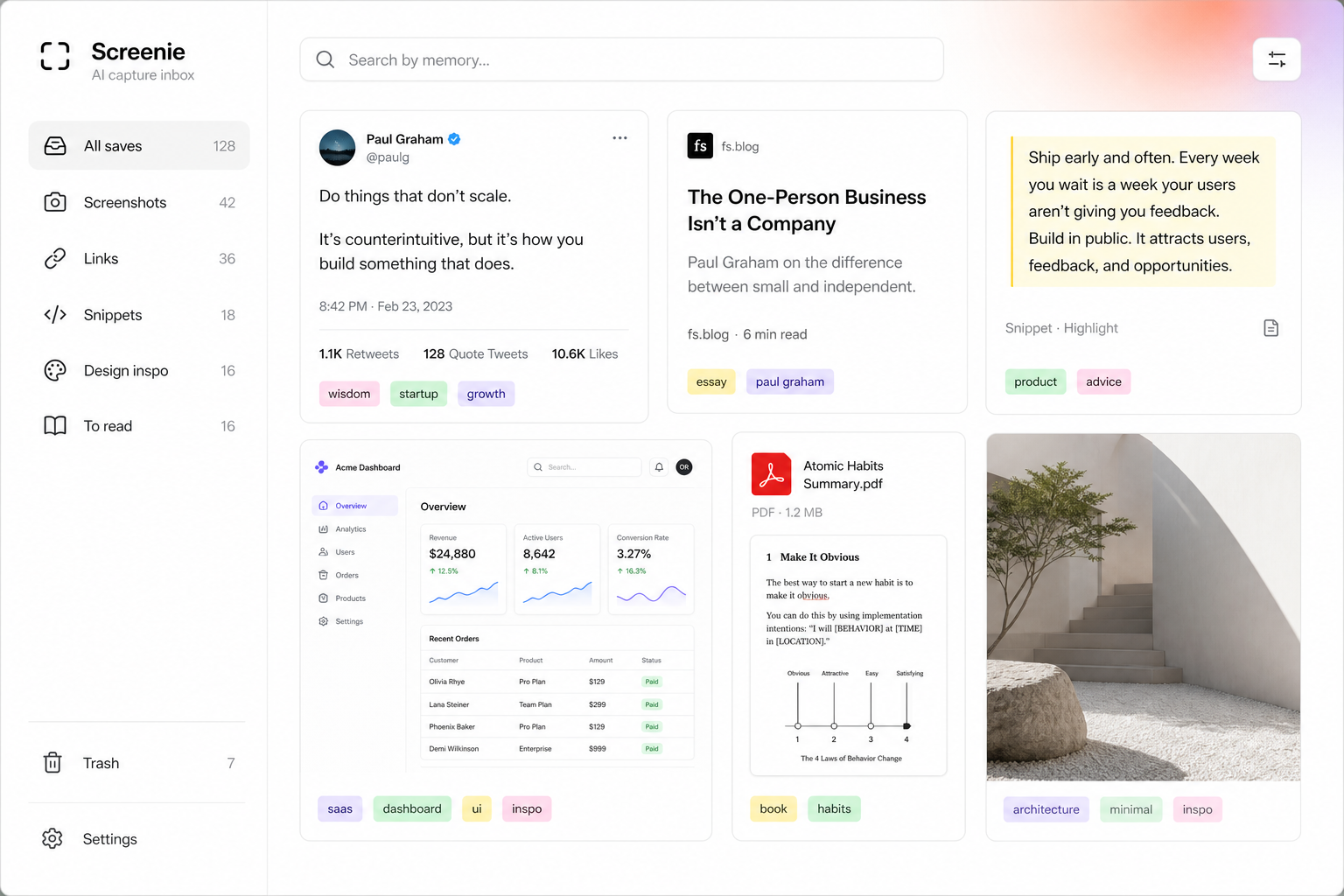
A capture inbox holds the messy middle of your work — salary screenshots, interview prep, half-written pitches, internal links. Trust is not a footer link. It is whether you feel safe saving the real stuff.
Your saves are yours. We process them to make search work — not to sell them.
What we store
- Your saves — links, images, snippets, and extracted text
- Metadata — timestamps, tags, collection groupings
- Account info — email and authentication credentials
We do not use your inbox content to train public models or share it with advertisers.
How we use your data
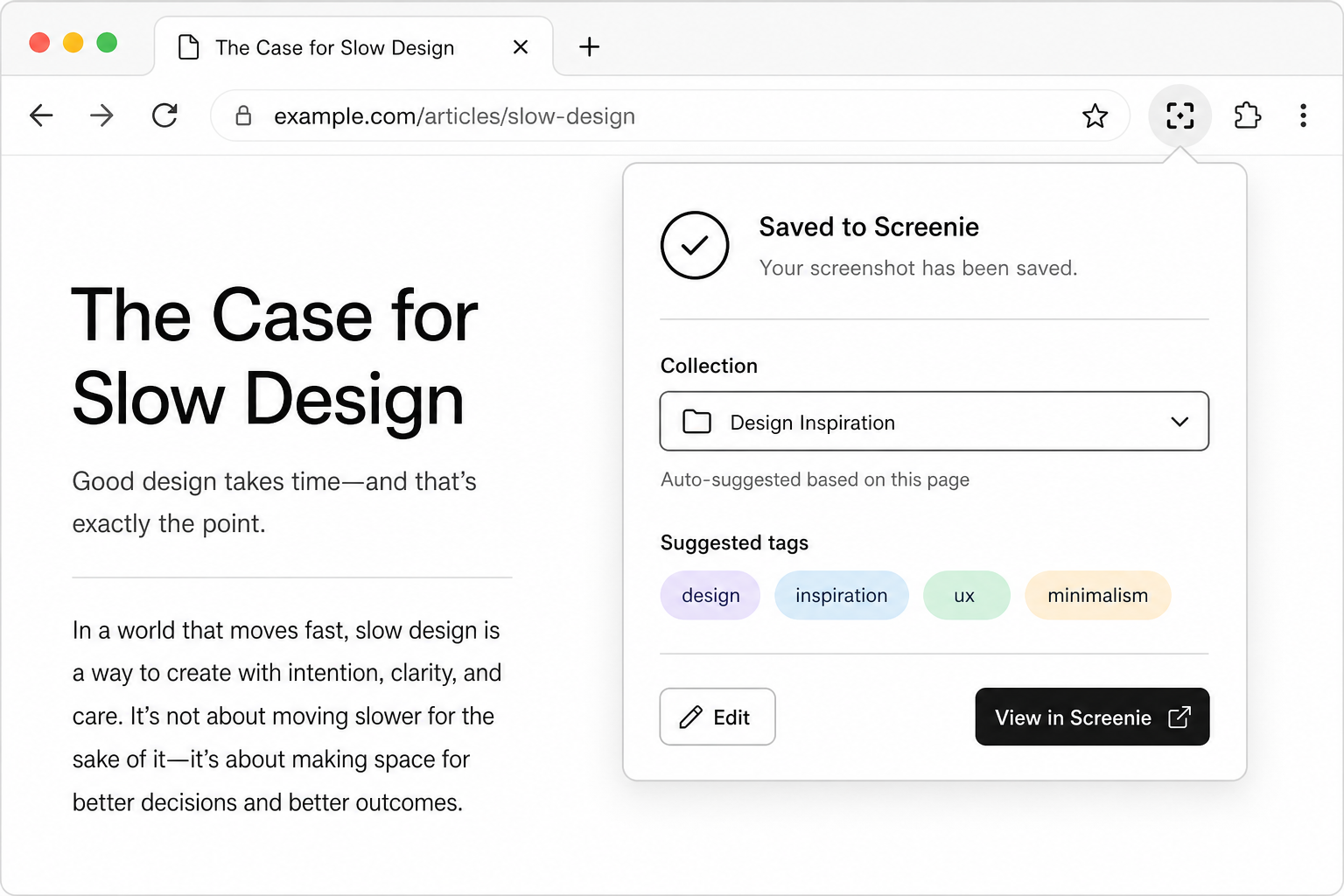
- OCR and indexing — so you can search screenshots and pages
- Tagging and collections — automated from content, not manual surveillance
- Product improvement — aggregated, anonymized usage patterns only
Your controls
- Private by default — saves are not public unless you explicitly share (Team features)
- Export anytime — download your saves and metadata; no lock-in
- Delete account — removes your data from active systems per our deletion policy
Security practices
- Encryption in transit (TLS) for all API traffic
- Encryption at rest for stored saves
- Access controls on production systems — least privilege for staff
- Incident response process with user notification when required
Details evolve during beta. We publish updates on the Resources changelog.
Questions
- Enterprise / team needs — contact us for SSO and admin controls on the roadmap
- Data residency — ask during beta; we are tracking region requirements from early users
- Bug reports — security issues: report privately via the contact link on screenie.app
The point
You should save the real work — not a sanitized copy you are willing to lose.
Read Getting started when you are ready to build your inbox.