You asked ChatGPT to rewrite your outreach email. The answer was perfect. You copied it into the chat, used it once, and now it lives under a thread titled "Quick question about…" next to forty other threads you will never open again.
That is not hoarding. That is losing work you already paid for in prompt engineering.
If you would save a highlighted paragraph from a blog, you should save a useful AI answer the same way.
Why chat history fails as storage
Chat interfaces optimize for conversation, not retrieval:
- Titles are auto-generated and vague
- Scrollback is linear, not searchable by content
- Context disappears when you start a new thread
- Useful fragments are trapped inside long exchanges
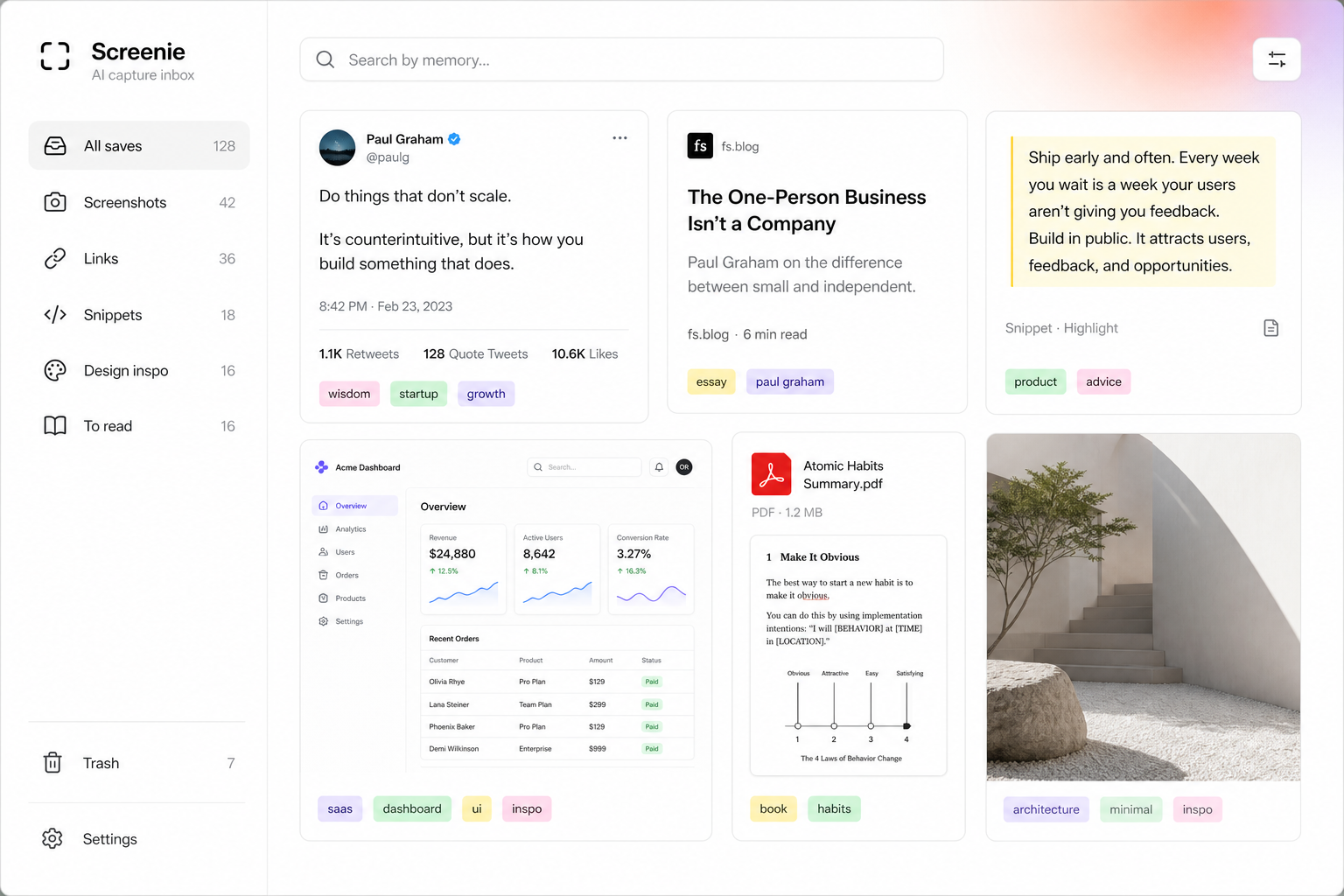
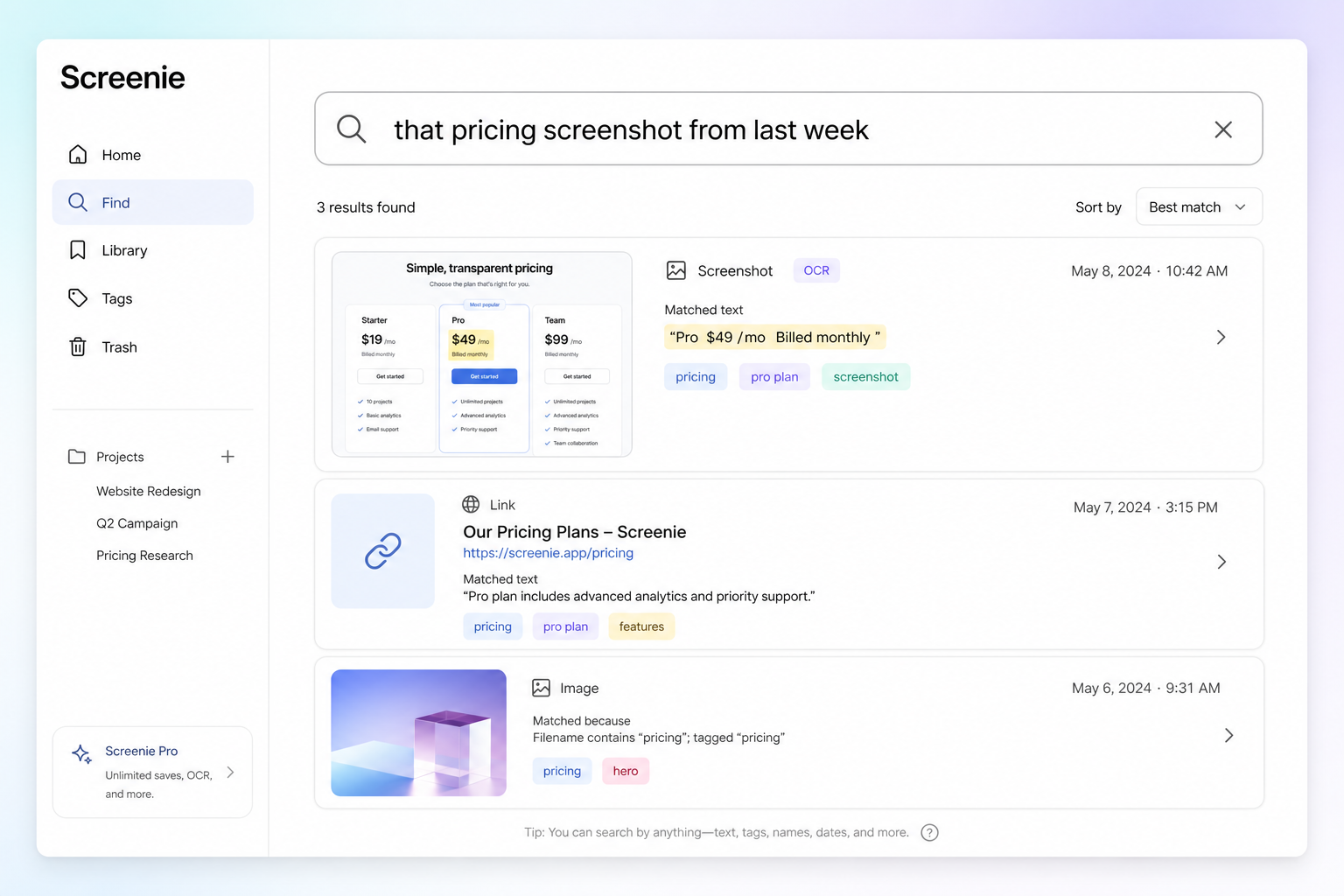
Screenie treats a saved ChatGPT answer like any other snippet — tagged, searchable, and findable by memory.
The capture habit
When an answer is worth keeping:
- 1Select the useful part — not the whole thread, just the output you will reuse.
- 2Save to Screenie — extension, share sheet, or paste into the inbox.
- 3Move on. No filing. Tags appear automatically.
Later, search outreach email template or pricing page copy — whatever you remember about the content.
What to save (and what to skip)
Save: frameworks, drafts, code snippets, research summaries, lists you will reference again.
Skip: one-off clarifications, messages you already sent, experiments you will not repeat.
The goal is not to archive every chat. It is to rescue the 10% that becomes reusable work.
Connect to your broader inbox
AI answers sit alongside links, screenshots, and snippets. When you are preparing for a job search or a product launch, one inbox means one search — not archaeology across ChatGPT, Notes, and bookmarks.
Read Getting started to set up the core save → search loop in ten minutes.
The point
You already know when an AI answer is good. The only missing step is saving it somewhere you will find it.
Join the waitlist and stop losing the answers you actually want to reuse.